




Claude Code or Cursor
Good for
Prototypes and scripts
Where it breaks
- You still need a server, a bench and backups
- Changes land on your live site, unreviewed
Claude Code for ERPNext, with hosting, a sandbox and rollbacks built in. Describe the change. Crator builds it. You publish it.
Just describe the change, and Crator makes it happen
Coding tools give you the AI. Partners give you the process. Nobody gives you both for ERPNext.
Good for
Prototypes and scripts
Where it breaks

Good for
Big projects, big budgets
Where it breaks

Good for
Companies with an IT team
Where it breaks

Describe the change. Crator hosts the site, builds it in a sandbox, and publishes it when you approve.
Update doc types, make changes, without waiting for a developer
You ask Crator
I want you to add weight and 45-day credit terms to Sales Order
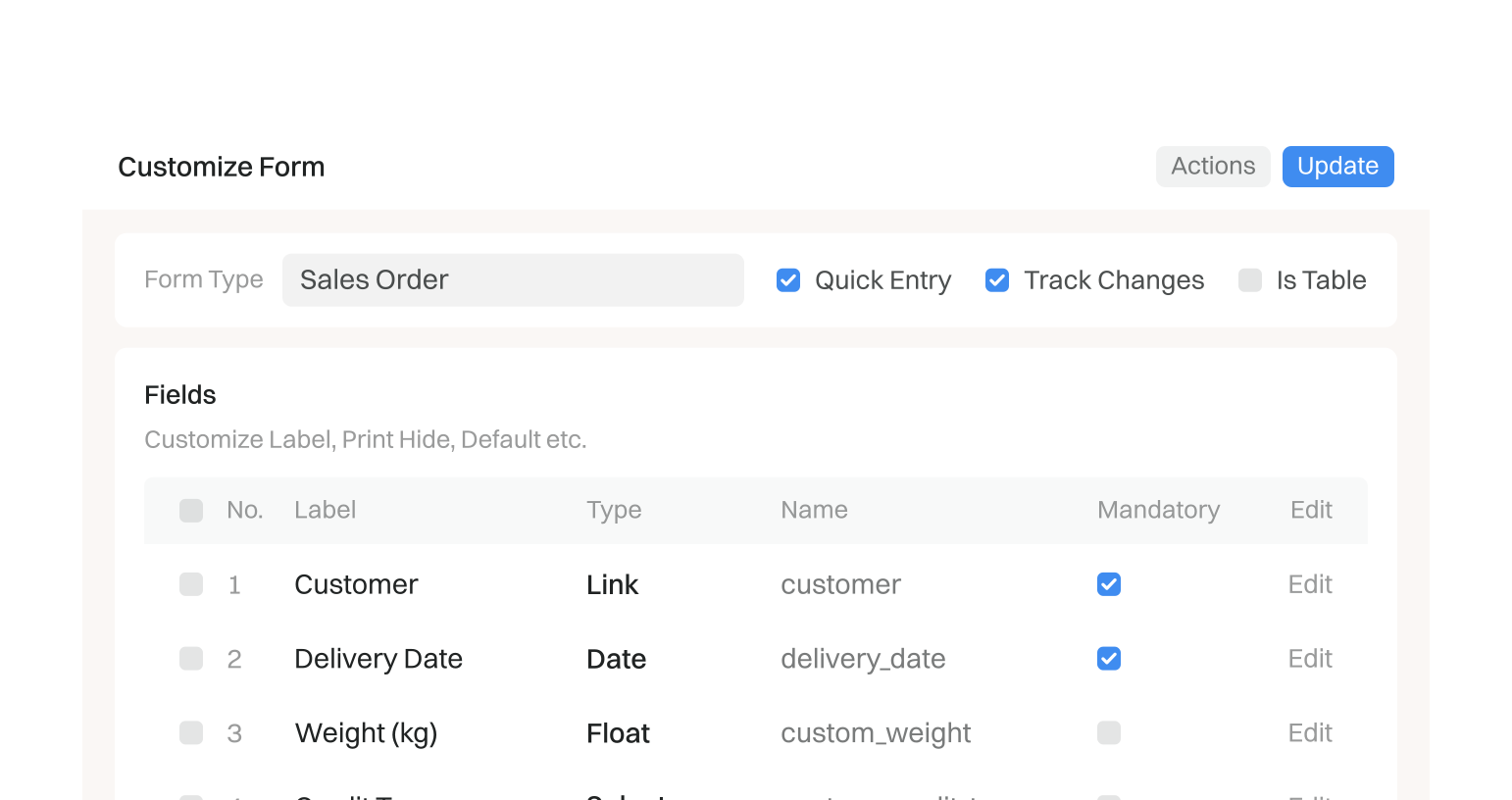
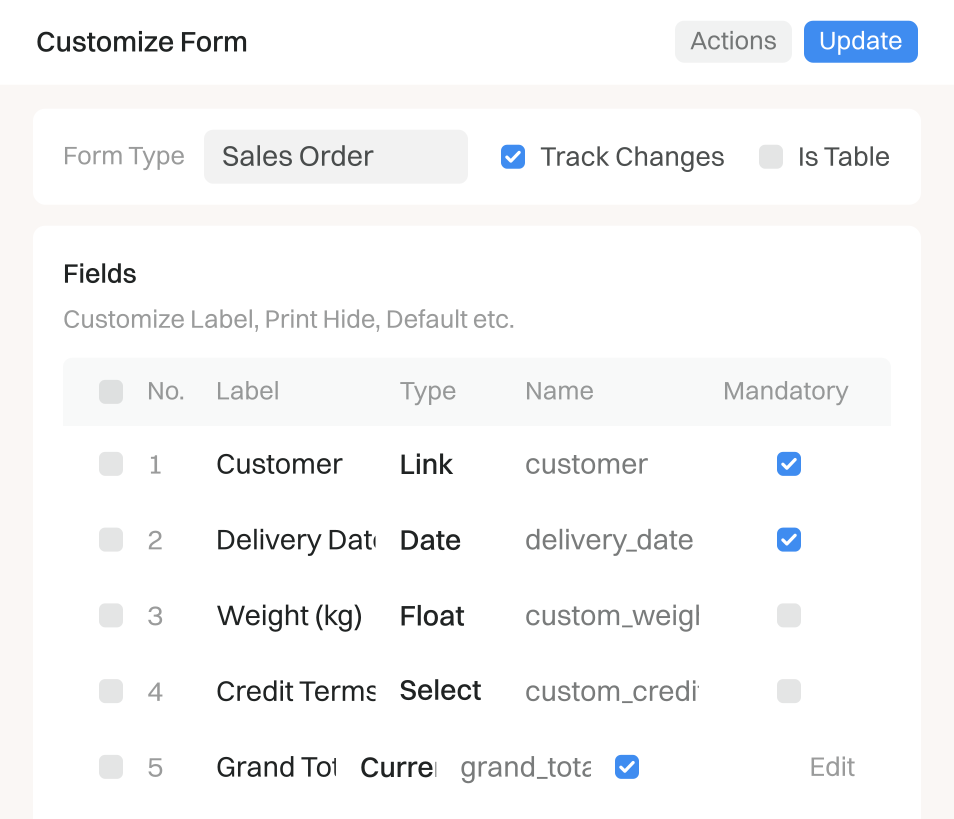
Crator comes with IndiaMART, WhatsApp, telecaller, or any API.
You ask Crator
Hey Crator, send order confirmations on WhatsApp
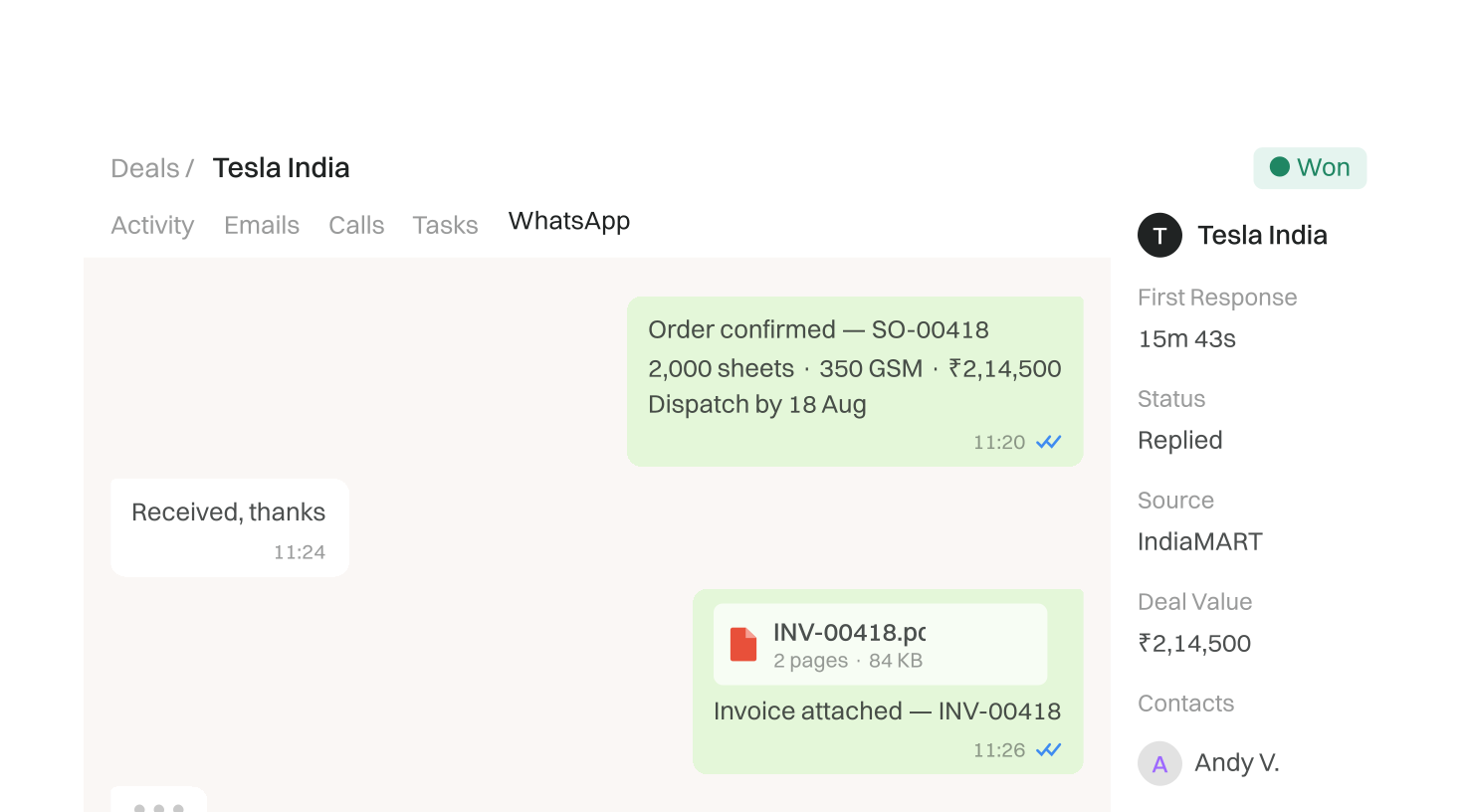
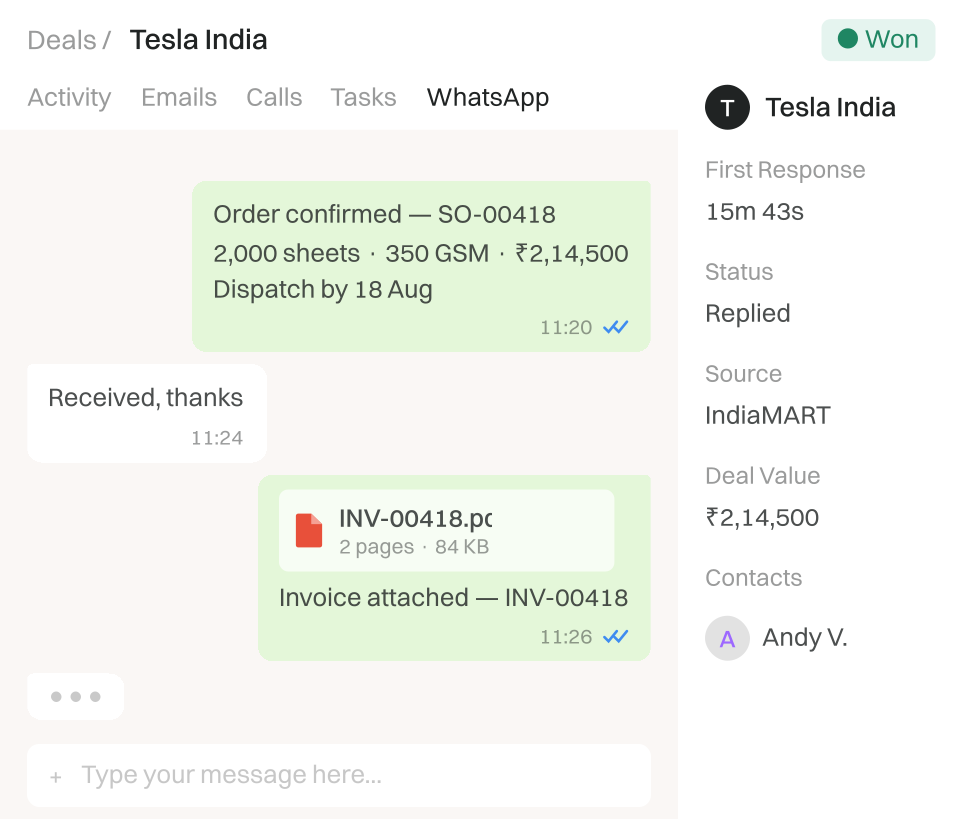
Approvals that match how you run things.
You ask Crator
Block orders above ₹2L for anyone except me
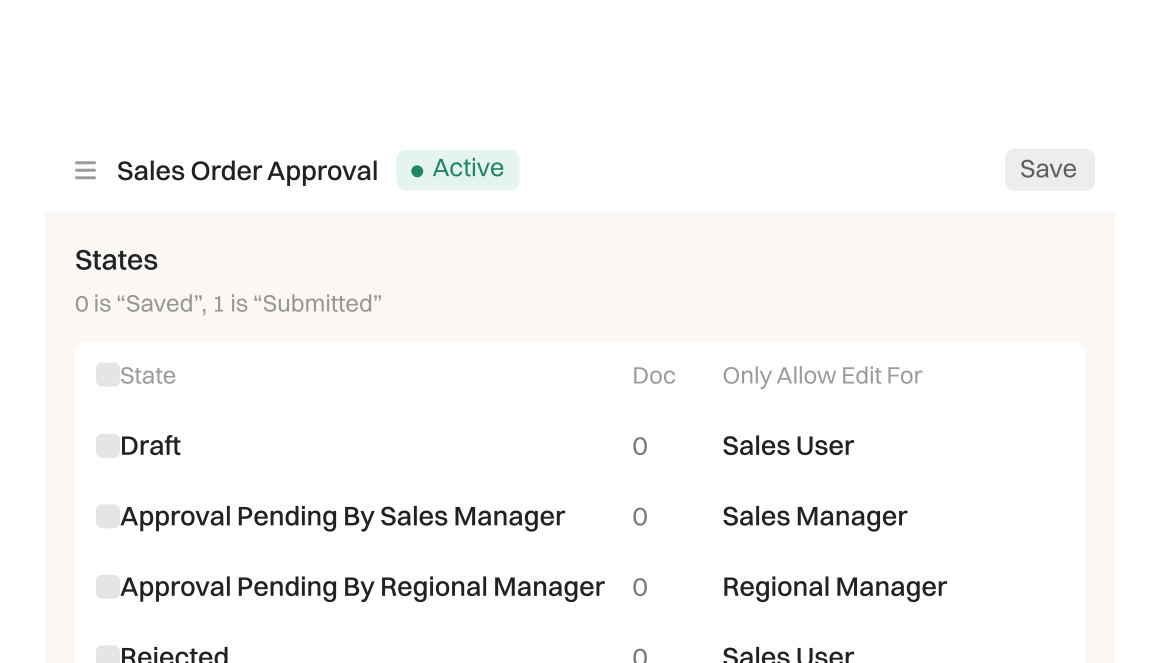
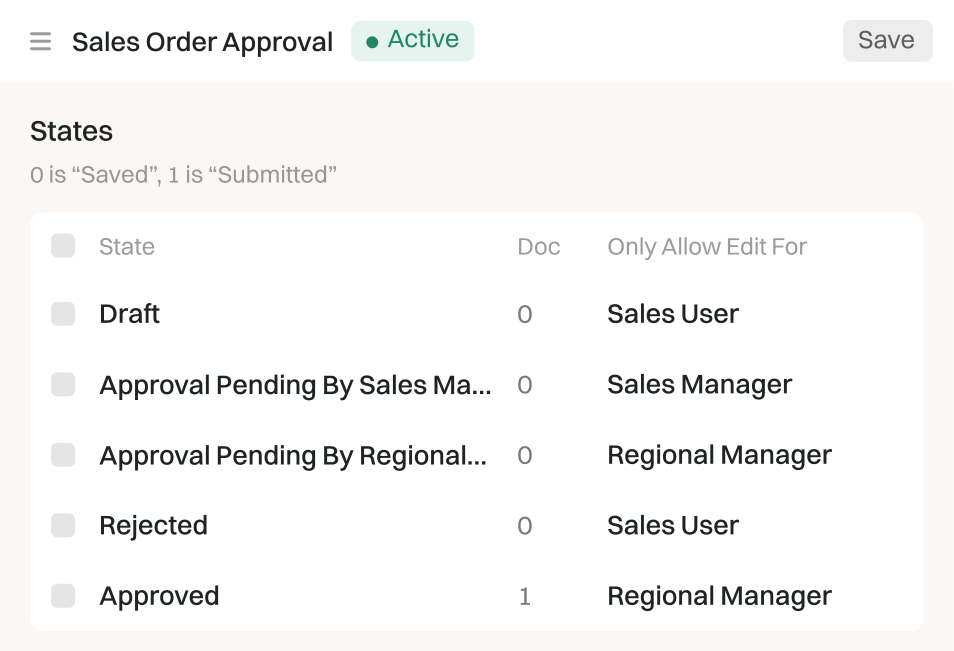
List, kanban, calendar: one per team
You ask Crator
Create a calendar view from my Projects
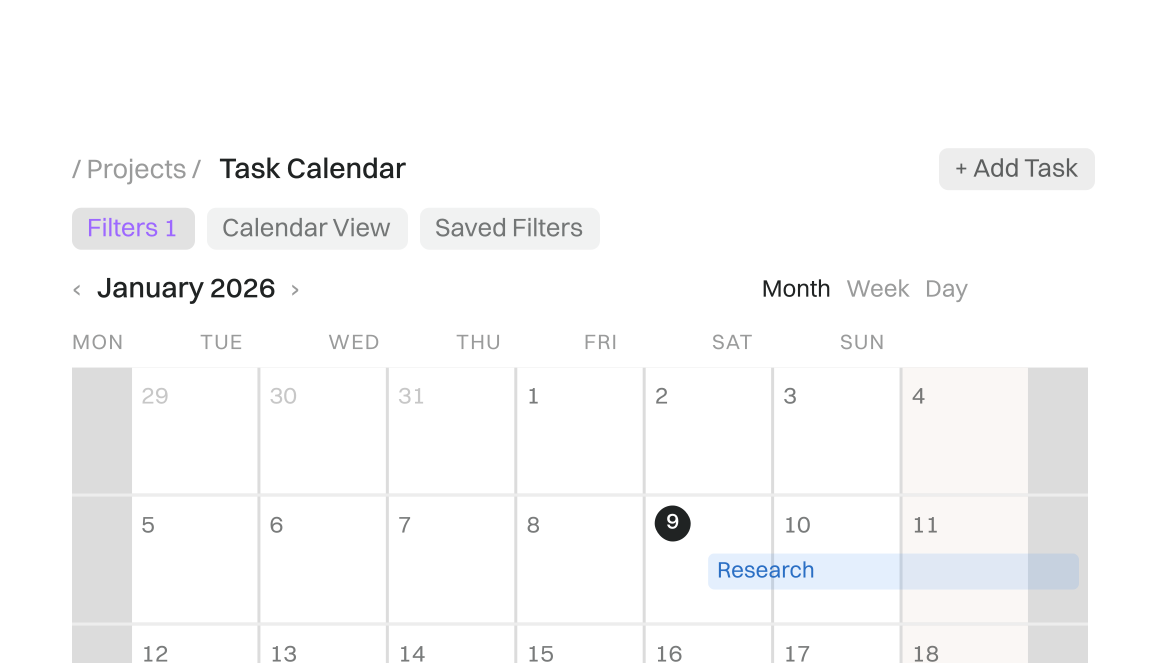
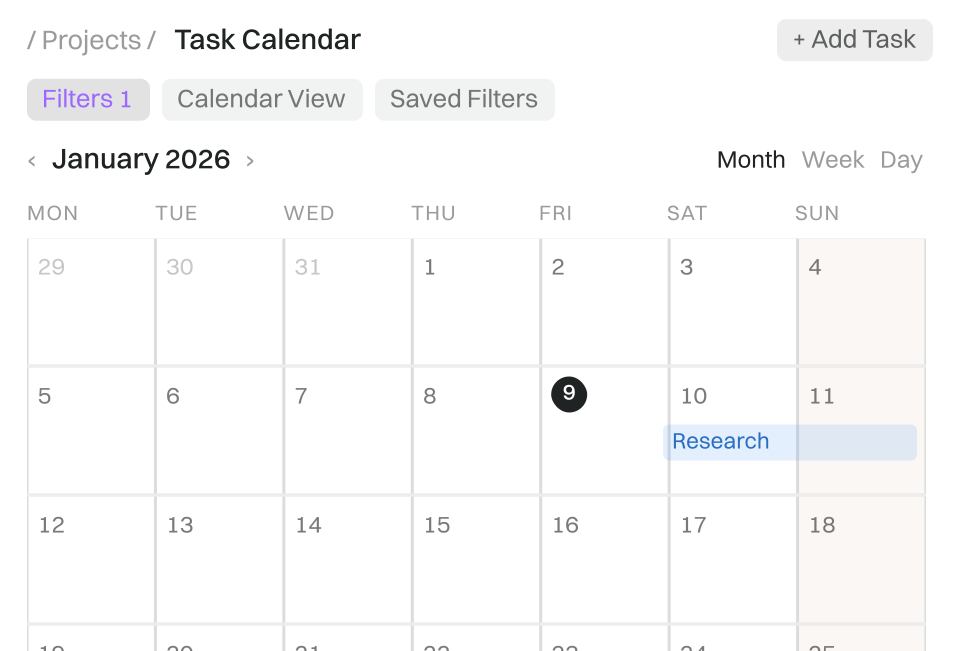
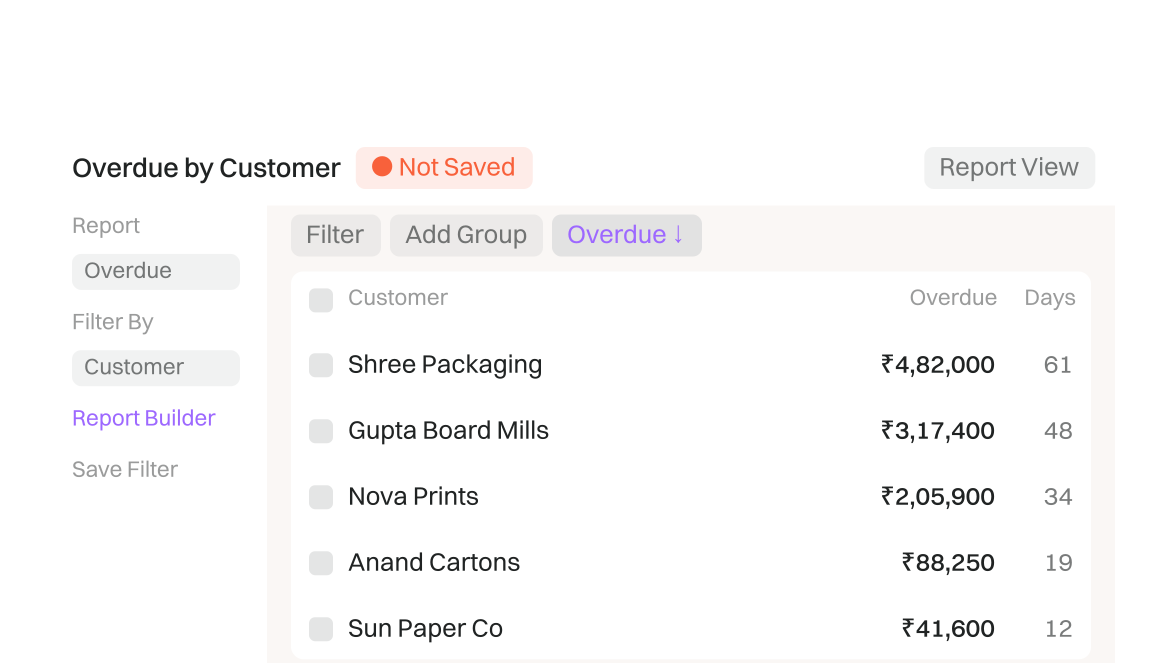
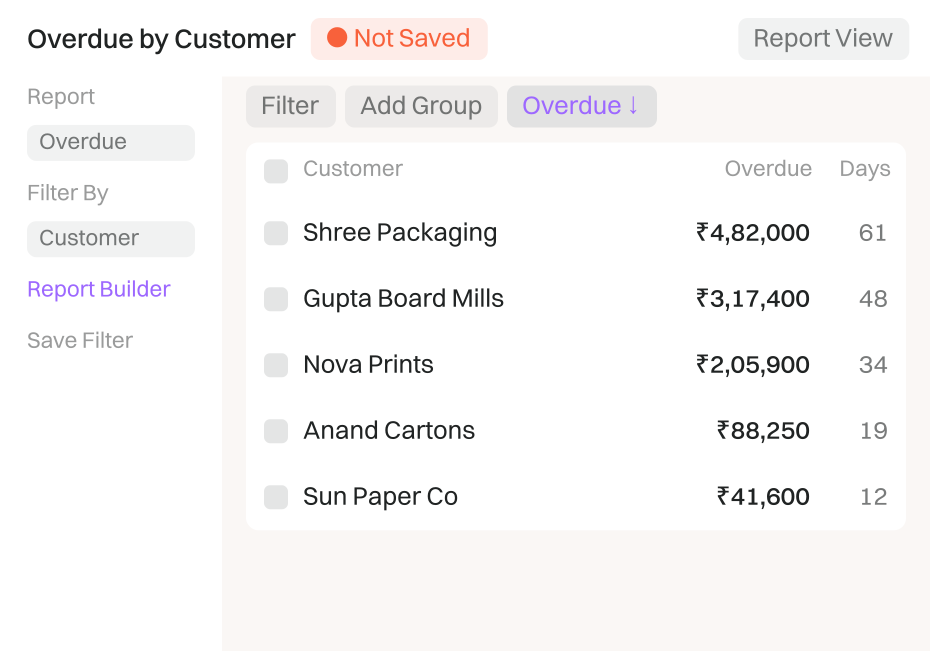
The exact report your CA keeps asking for
You ask Crator
Overdue by customer, worst first
Get a free one week trial of the product, try out agents, play with your custom ERPNext deployments, and understand how Crator works
Crator and your ERPNext hosting are billed together Pick your team size and the hosting line adjusts
Crator plus hosting, on one invoice.
Tell us how your business runs. We set up ERPNext for you and give you the price on the call.
Can’t find a plan suitable for you? Contact Us
Customers often ask this
Crator helps you implement ERPNext with AI.
Tell Crator what your business needs in plain English. Crator then builds the workflows, reports, forms, dashboards and integrations for you in ERPNext.
Crator is not itself an ERP. Crator is the tool you use to set up and customise ERPNext, so it matches the way your business operates.
You implement ERPNext without code and without a developer for each change.
You only need to know how your business must work.
Crator asks you questions, shows you its plan and does the technical work.
You can customise every ERPNext module with Crator: CRM, sales, inventory, manufacturing, buying, accounting, HR and projects.
In each module you can create or change:
Crator works only with ERPNext, and your ERPNext site must be hosted with Crator.
Crator cannot change an ERPNext site on your own server. If you use ERPNext today and want to move it, contact us. We will help you plan the migration.
In a traditional implementation, each change can need a specification, a developer and an implementation cycle.
With Crator, you describe the change, review the result and publish it yourself. Your ERP can change as fast as your business.
Start a Crator-hosted ERPNext site and describe the first workflow you want to build.
If you have an ERPNext site on another server, contact us. We will help you move it to Crator.