Frappeverse keynote: CRM, Helpdesk and Learning put teams in control
· Yajat Gulati · 8 min read · Updated
This article is part of our Frappeverse Mumbai 2026 recap, which covers all nine keynotes.
Frappe's CRM, Helpdesk and Learning keynote was a 44-minute tour of three products growing into more complete applications. CRM is giving sales teams more control over their own process. Helpdesk is reorganizing work around agents and customers. Learning is becoming better suited to mobile, multilingual and assessed training.
The common thread was control. Each product now keeps more of its administration inside its own interface, exposes more choices to the people doing the work and reduces the need for a developer to solve routine workflow problems. The products remain distinct, but the direction is consistent: Frappe's newer apps are becoming easier to adopt without giving up the flexibility of the Framework underneath them.
Frappe CRM makes customization part of the product
Pratham Sharma, a Frappe engineer working on CRM, began with signs that the product is finding an audience. Paid Frappe Cloud sites and GitHub stars had both almost doubled over the previous year. He connected that growth to a clearer product goal: polishing the interface, expanding customization and closing practical feature gaps.
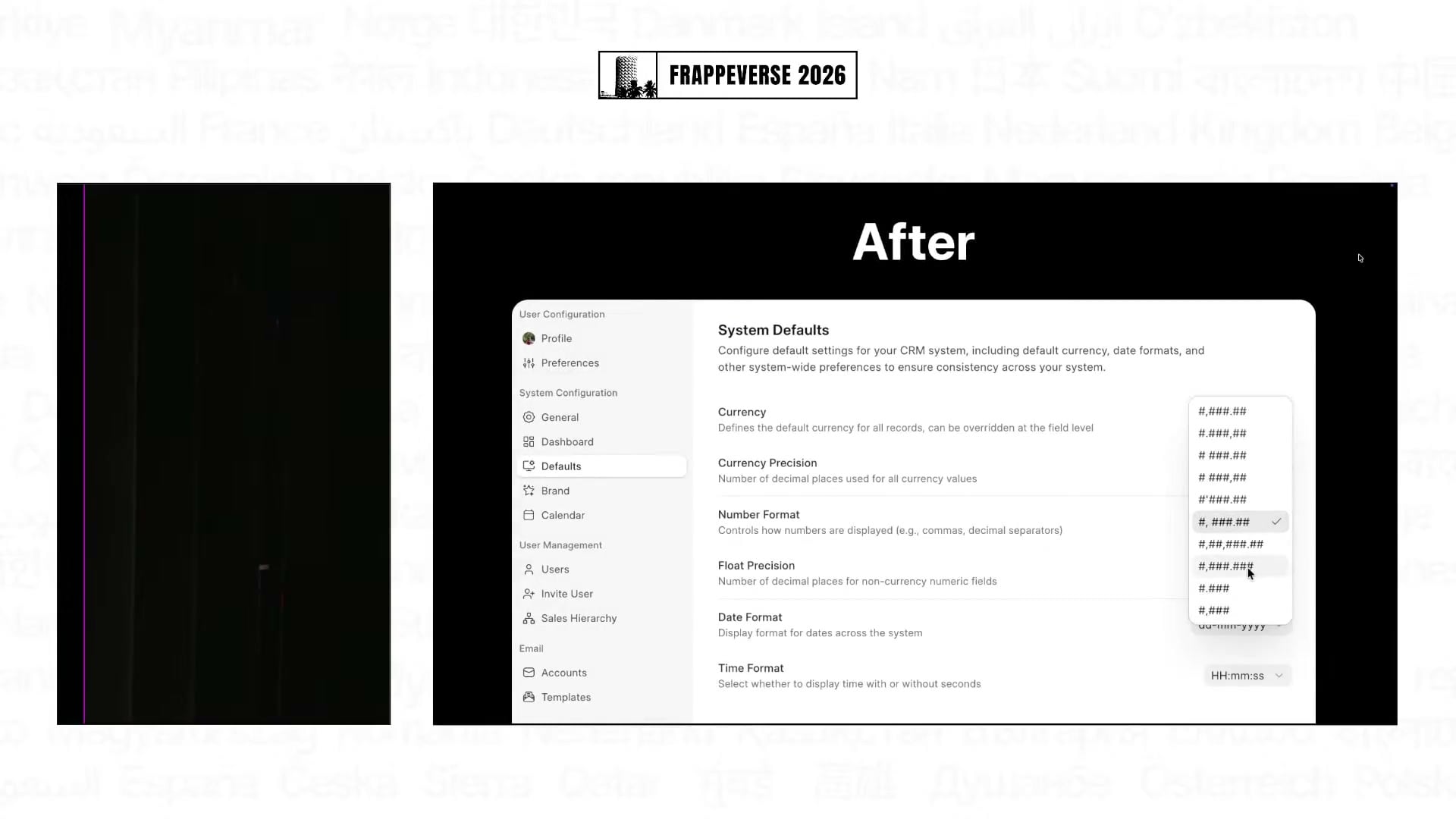
The most immediate improvement is organized settings. Preferences such as currency and email signatures now live inside Frappe CRM instead of sending an administrator back to Desk. Common behaviours that previously needed scripts, such as reopening a lead when a reply arrives, updating activity timestamps and creating a lead from an email, are now simple toggles.
CRM's deeper customization still has room for code when a company needs it. The app has gained more field types from Desk, while form scripts can respond to lifecycle events, modify field properties and open dialogs. Pratham combined those pieces to reshape the data panel for a particular workflow. It is a good expression of the product's new premise: offer useful defaults, then let companies make the CRM their own.
The feature work followed the same idea. Lead and deal enrichment can collect company information from a website. Redesigned web forms can be embedded on an external site. A sales hierarchy controls which leads and deals each salesperson can see while giving managers authority over distribution. These are familiar CRM requirements, but bringing them into the dedicated app makes it easier for teams to leave the older CRM experience inside ERPNext.
Automations and ERPNext integration close the workflow
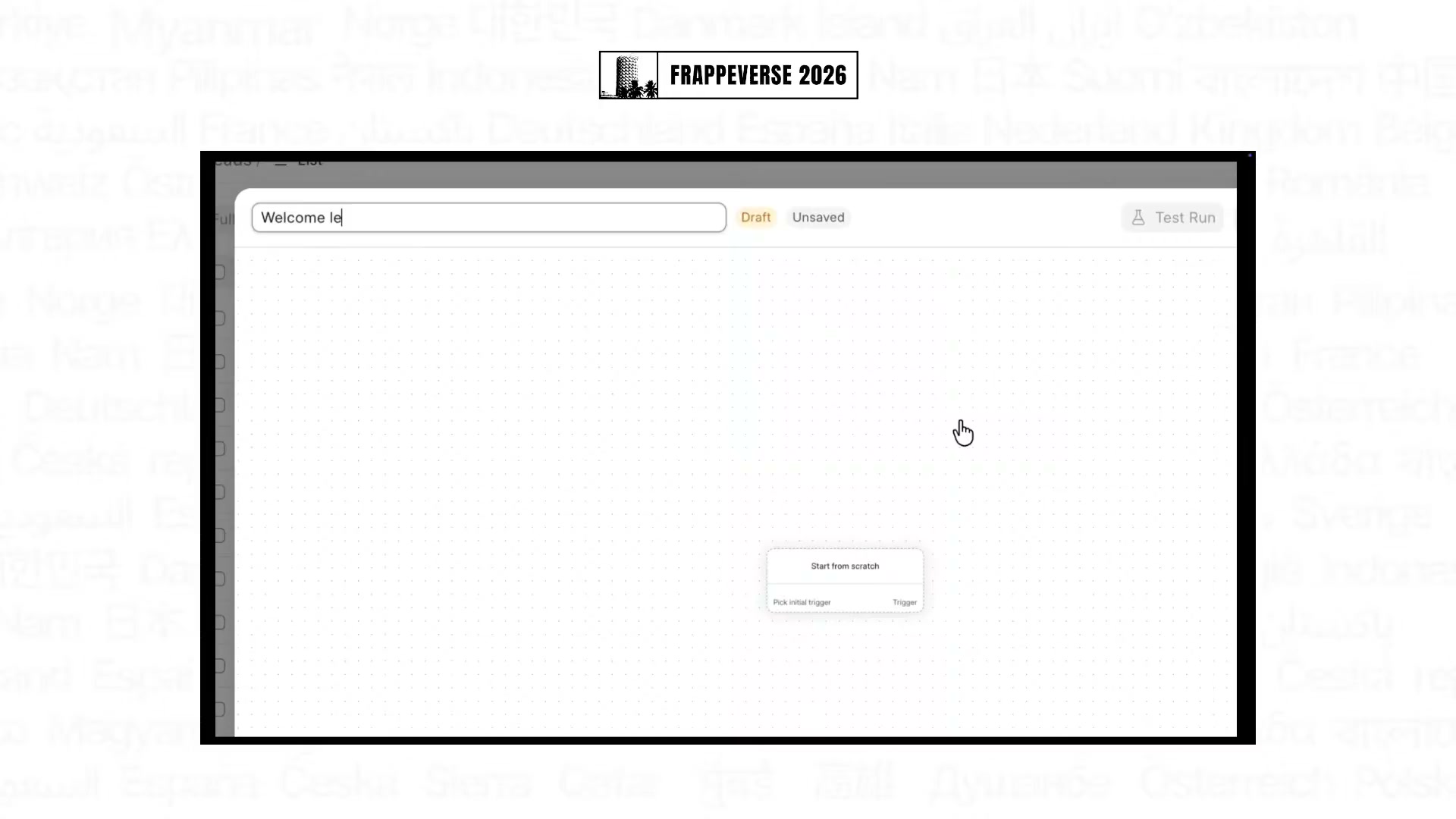
Shahzeel Ansari, an engineer at Frappe, showed how CRM is moving configuration closer to the sales team. A visual workflow builder combines triggers, conditions, actions and waits without requiring a server script. His example sent different welcome emails for website and outbound leads, waited for a reply and followed up after three days when the lead stayed inactive.
The builder also includes a test run. It can take a real triggering record, execute the automation and return the result before the workflow is trusted with live sales activity. That matters because no-code automation is only useful when the person building it can see what it will do.
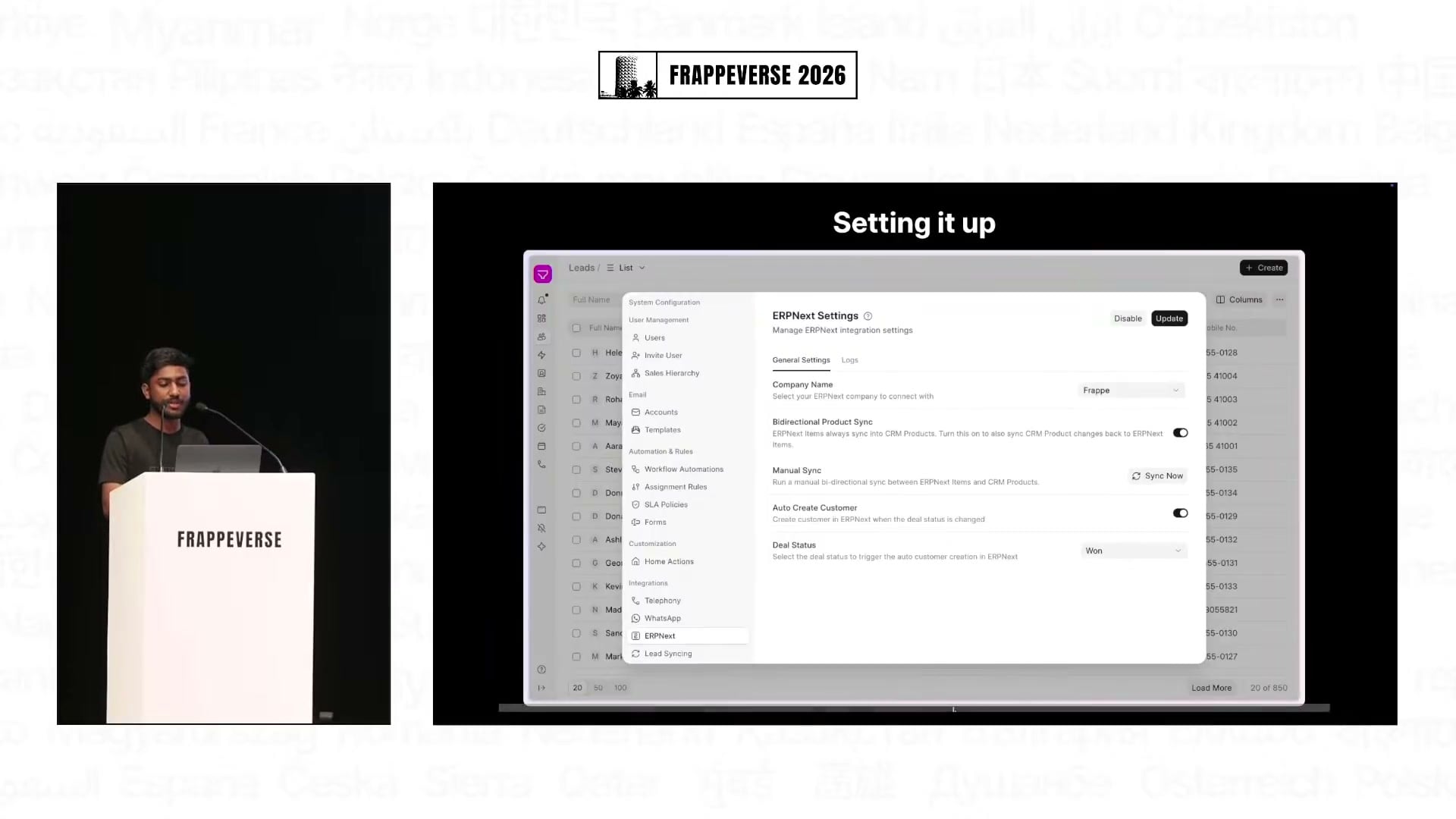
The ERPNext integration now covers more of the path from a deal to an order. CRM Product and ERPNext Item records synchronize in both directions when the apps share a site. Prices can come from ERPNext's price lists, including customer-specific pricing, and a CRM deal can start ERPNext's quotation and Sales Order flow. The demonstrated quotation step still opens in Desk, but the integration carries the product, pricing and customer data across instead of making teams maintain it twice.
Frappe also demonstrated a first-party WhatsApp app with multi-account support and conversations inside CRM's activity view. Meta lead forms can feed CRM directly after their fields are mapped, removing another source of manual entry.
Frappe CRM version 2 is the next step rather than a finished release. The preview showed any DocType on the site being added to the CRM sidebar, along with a more customizable activity view that can load server-side scripts. It pushes the keynote's central promise further: one CRM foundation, with an experience that can fit different businesses.
Frappe Helpdesk gives agents a clearer place to work
Ritvik Sardana, a product engineer working on Frappe Helpdesk, described a product that had spent its first years establishing the basics of ticket management. This year's work focused on the quality of the daily support experience.
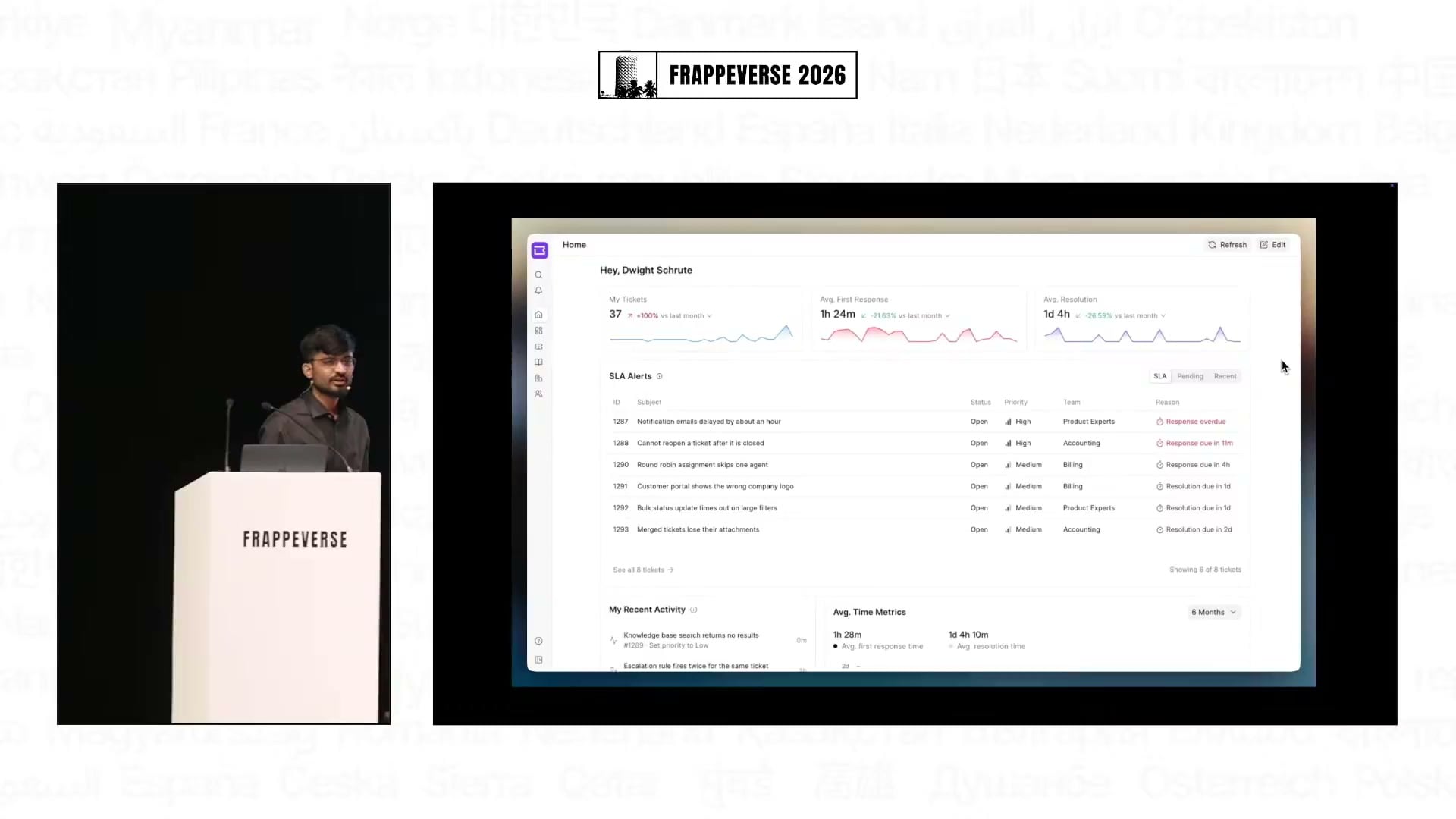
Agents now have a configurable home that surfaces tickets awaiting a response, recently assigned work, and the metrics and activity they choose. Inside a ticket, the conversation has a clearer timeline, relevant fields sit together and long-requested tags are available. The redesign reduces the amount of scanning required before an agent can understand what is happening.
The response editor has also become more operational. Signatures can be inserted automatically, while saved replies support dynamic variables and personal, team or organization-wide visibility. A saved reply can carry actions such as adding a tag or changing the assigned team. That turns a repeated answer into a reusable piece of the support process, rather than text that still leaves several manual steps behind.
Agent availability is now a proper status. When someone is away, Helpdesk can stop assigning tickets to them without requiring the team to remove that person from assignment rules. A Command Palette brings status changes, priorities, saved replies, availability and full-text ticket search into one place. It also shows the corresponding shortcuts, giving agents a faster path without asking them to memorize the entire keyboard scheme on day one.
For managers, a new analytics view reconstructs the life of a ticket: first response, reply times, resolution and customer feedback. A poor rating can be examined alongside the service history that produced it instead of being treated as an isolated score.
Customers get a real support interface too
Helpdesk's customer records now synchronize with ERPNext, avoiding a separate master for the same company. The redesigned company view brings together contacts, tickets and support history. Customer-manager permissions allow one person to see tickets across an organization, while teams can still keep individual employees' requests private where needed.
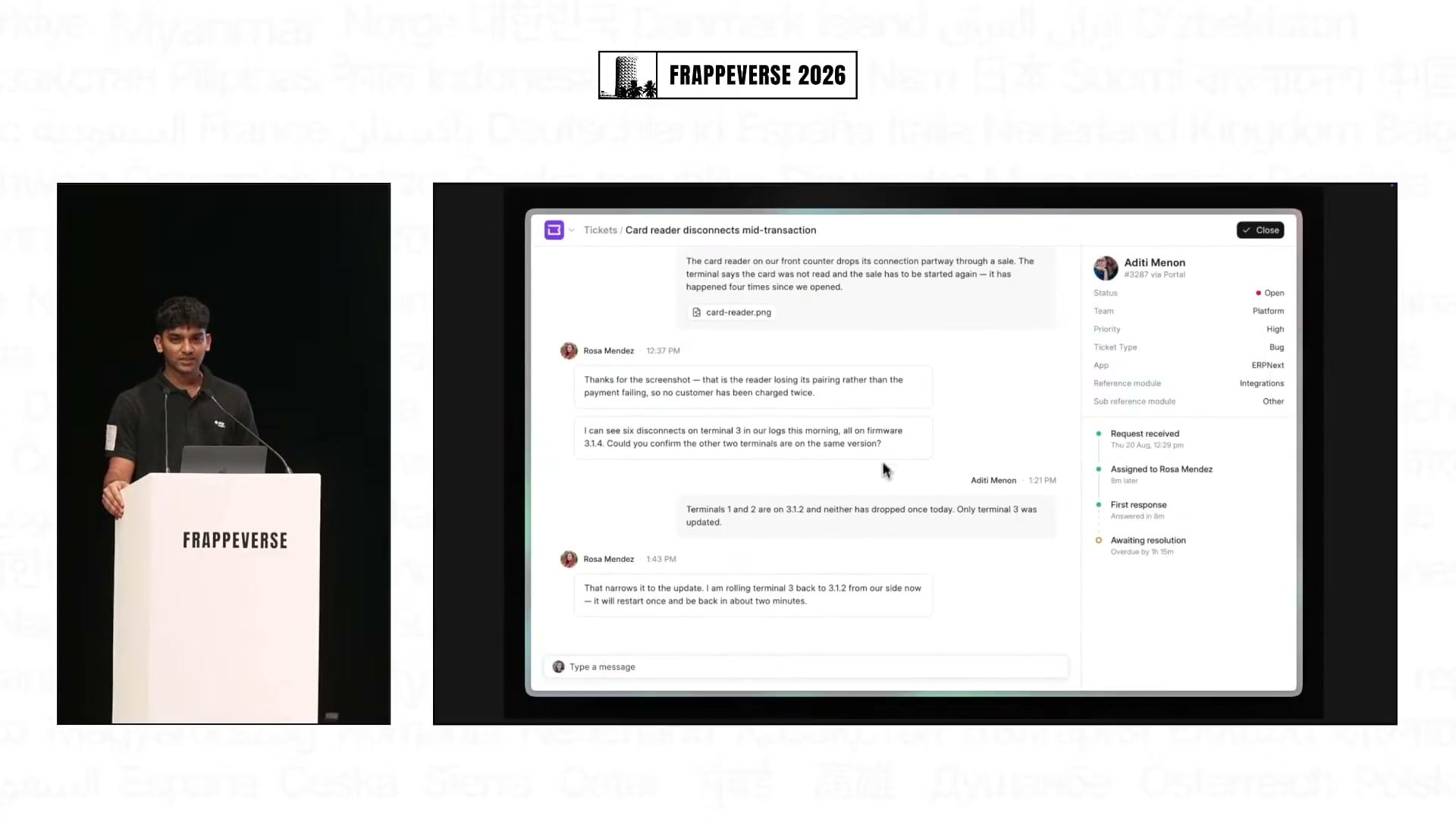
Sydney Gomes, a Frappe product engineer on the Helpdesk team, continued that work on the customer portal. The new ticket page reads like a conversation and separates the status timeline from the messages themselves. An outside-working-hours banner gives customers context when a reply may take longer.
Customers can choose their language, time zone, theme and preferred timeline. They can also review the organizations they belong to and, when permitted, manage members and organization-wide ticket access. These are modest controls individually, but together they make the portal feel like software intended for the customer rather than a restricted view of an internal system.
The knowledge base received the larger structural change. Articles no longer have to sit behind a sign-in screen. Teams can choose public, customer-only or agent-only visibility, then put search at the center of the experience. A customer can ask a question, find an organization-authored answer and avoid creating another copy of a ticket the support team has already solved.
Frappe demonstrated Frappe Studio as the route to deeper knowledge-base customization. A team can use its visual builder and Frappe UI components to add a section such as pinned articles without waiting for the Helpdesk maintainers to redesign the core page.
Sydney was careful to separate that current work from what comes next. One-click Outlook OAuth, AI-assisted drafting and tone changes, a support chatbot and further Studio-led development are plans, not shipped Helpdesk features.
Frappe Learning is designed for more ways to learn
Raiza Safeel, a product engineer at Frappe, grounded the Learning update in its use on Frappe School: 32 courses, more than 150,000 enrollments and more than 85,000 signups. The app already had courses, batches, programs, jobs and discussions. The latest work focused on making those capabilities feel coherent at that scale.
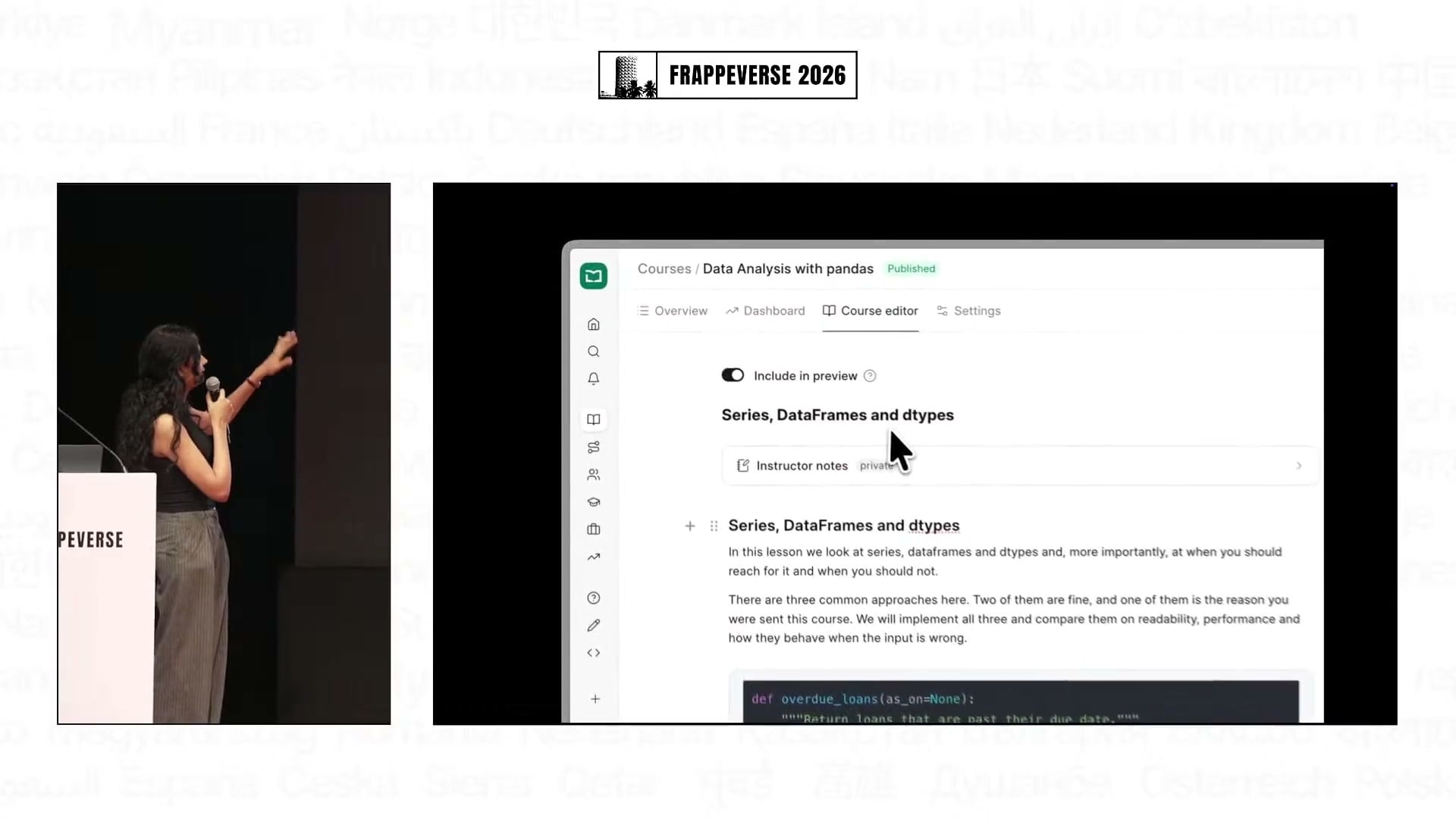
The course editor now keeps lesson writing, the course outline and the student preview together. Creators can add and rearrange chapters and lessons without losing their place, and Markdown is supported. Moderators can manage transactions, users, accounts, templates and other settings from Learning itself instead of moving back and forth to the admin interface. Command-K navigation carries the same idea into routine movement around the app.
Mobile received more than a responsive squeeze. Frappe rebuilt the interface for a phone-sized screen so learners can take courses and creators can edit lessons from the device many of them actually have. The keynote connected that work to organizations serving women who use phones rather than desktops for training.
Right-to-left support was another response to visible demand. Roughly eight percent of batch enrollments on Frappe School were for courses in Arabic, Urdu or another right-to-left language, and more than 5,000 signups came from those users. Learning now detects the selected language and mirrors the full interface, including course and batch pages, instead of changing text direction inside a left-to-right layout.
Course portability, proctoring and connected cohorts
Courses can now be exported as ZIP files, then imported on another Learning site or duplicated on the same one. Completion rules are configurable too. An organization can decide whether learners must remain on a lesson for a set time and whether lessons and quizzes are mandatory, rather than imposing one training policy on every course.
A substantial new capability is quiz proctoring. Learning can detect when a learner's face is no longer visible or when they leave the assessment, record violations and end the quiz after a configurable threshold. Frappe presented it as an integrated alternative for partners who had struggled to make separate proctoring tools fit their Learning setup.
Google Meet now joins Zoom as a live-class provider. Raven integration can place learners into discussion channels according to rules such as course enrollment or payment status. These integrations keep the class, cohort and conversation connected without forcing instructors to maintain the same group manually in several systems.
Learning's GitHub repository had grown from roughly 2,200 stars last November to about 3,100 by the keynote. The roadmap adds more polish, more integrations and AI features, but the encouraging part of this release is already visible: Learning is becoming more useful across devices, languages and training models without losing the openness that lets organizations run it themselves.
Across CRM, Helpdesk and Learning, Frappe showed a practical definition of product maturity. The apps are gaining the standard capabilities people expect, while the teams are also reducing the small detours, duplicated records and developer dependencies that make software harder to live with. That combination gives each app a clearer identity and makes the wider Frappe product family feel more coherent.
Watch the full Day 1, Track 1 livestream from the start of this keynote