ERPNext Support vs Frappe Helpdesk: when to switch
· Aarav Jhawar · 11 min read
Migration background: Frappe's first year with Helpdesk. Integration details: the Helpdesk and ERPNext integration guide.
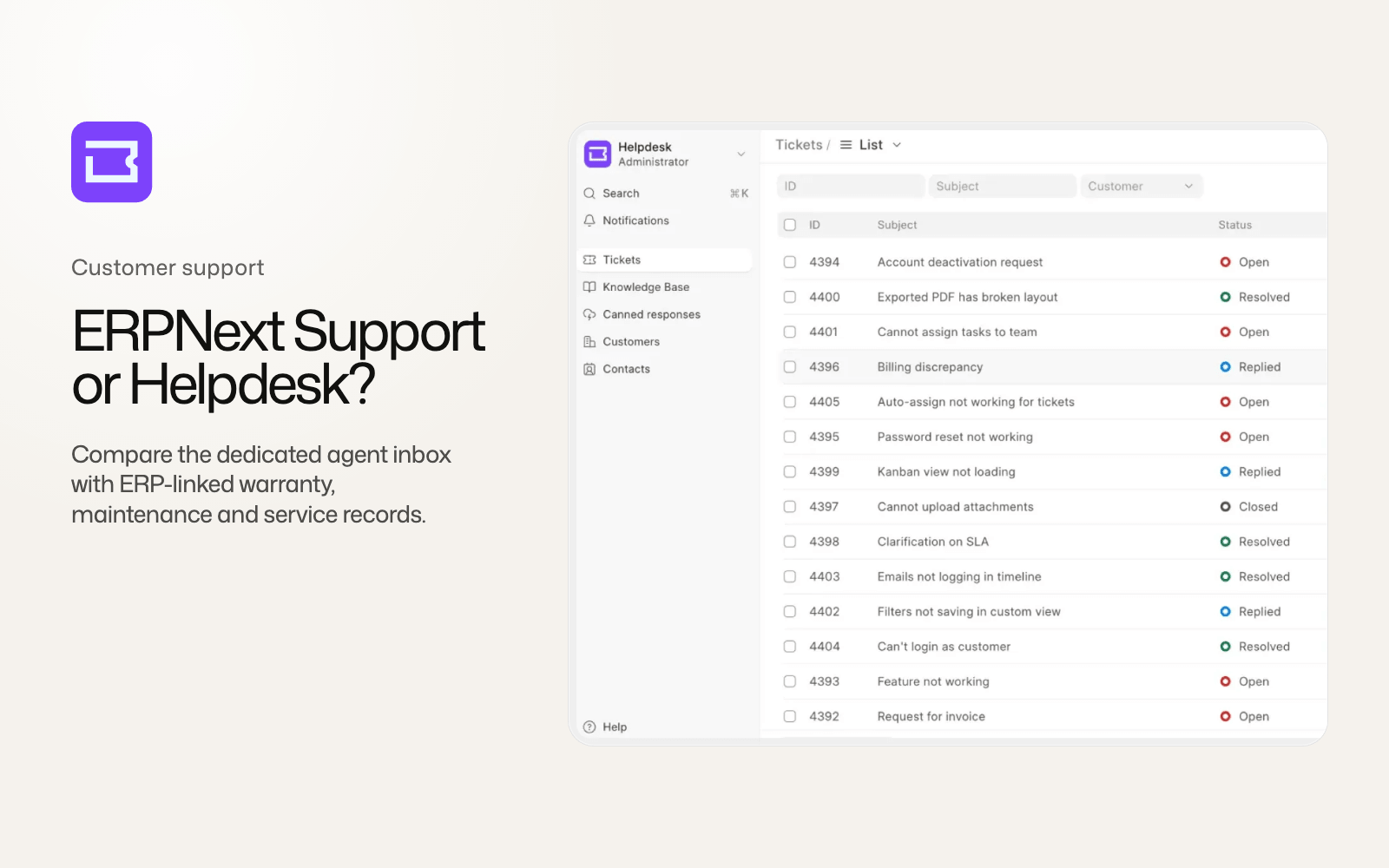
Frappe Helpdesk is already a better ticketing product for many support teams. It has a dedicated agent inbox, configurable statuses, availability-aware assignment, ticket merging, saved replies with actions, customer feedback and a proper customer portal. ERPNext Support still connects a complaint to records that Helpdesk does not understand, including Serial No, Warranty Claim, Project, Lead and parts of the maintenance flow.
That gap decides whether a team can switch cleanly.
ERPNext v16 displays a banner saying Support will be removed in version 17. The current v17 preview still contains Issue, Service Level Agreement, Warranty Claim, reports and the support web form. Its rebuilt navigation lists those records, and the removal warning has disappeared. Frappe Helpdesk is receiving the new support features, while the ERPNext module is feature-frozen. Frappe staff have tied the transition to Helpdesk reaching parity rather than a hard v17 cutoff.
Our ERPNext v16 vs v15 comparison covers the wider release and explains why the CRM and Support banners should be separated from shipped module removals.
ERPNext Support is an ERP workflow with a ticket attached
An ERPNext Issue can link to a Customer, Lead, Contact, Project and Company. Its service-level rules can be scoped by Customer, Customer Group or Territory. A Warranty Claim can connect a complaint to a Serial No and its warranty or annual-maintenance-contract dates. A Sales Order can lead into a Maintenance Schedule and Maintenance Visit.
Those links are ordinary ERP records, so support can see the commercial and operational context around a complaint. A service team handling installed equipment, serialised products or contracted visits may depend on that structure more than it depends on a polished inbox.
Frappe Helpdesk starts from the support conversation. Its HD Ticket, HD Customer, HD Agent and HD Team records are designed for the queue, the reply and the customer portal. The application is stronger at running a support desk, but its ERP integration currently mirrors customers only.
| Capability | ERPNext Support in v16 | Frappe Helpdesk |
|---|---|---|
| Agent interface | Frappe Desk Issue lists and forms | Dedicated Vue inbox with realtime updates and command palette |
| Ticket status | Fixed Open, Replied, On Hold, Resolved and Closed states | Configurable agent and customer labels |
| Assignment | Manual ToDo assignment | Round-robin, load-balanced and weighted rules with availability fallback |
| Split and merge | Split, with no merge | Split and merge, including reply redirection |
| Saved responses | No dedicated canned-response system | Personal, team and global replies with macro actions |
| Customer feedback | No CSAT flow | Five-point rating and tokenized email feedback |
| Knowledge base | Help Article and basic /support page | Publishing workflow, categories, feedback, search and public portal |
| SLA scope | Issue or other DocTypes, with customer and territory rules | HD Ticket only |
| ERP links | Customer, Lead, Contact, Project, Company, warranty and maintenance | Synced HD Customer, with no ticket-to-ERP document link |
| Warranty and maintenance | Warranty Claim plus links to Maintenance records | No equivalents |
Frappe Helpdesk is the better place to run a support queue
Helpdesk lets an administrator define ticket statuses and separate the label agents see from the label customers see. Agents can split a conversation when one email contains two problems, or merge duplicate tickets and redirect later replies into the surviving record. ERPNext Issue supports splitting but has no equivalent merge path.
Assignment is more deliberate. An HD Team creates Assignment Rules, and routing can use round-robin, load-balanced or weighted distribution. Agent availability gives those rules a live constraint, so someone marked away does not keep receiving work. Team-scoped visibility also prevents every agent from seeing every queue.
Saved replies can do more than insert text. A reply can set status or priority, change the team, assign an agent, add a tag or post a comment. Personal, team and global scopes let a support organization keep a common response without removing an agent's own shortcuts.
Helpdesk also supplies a five-point customer rating flow. A team can require feedback before closing and collect a rating through a tokenized email form. Its ticket analytics can then place response and resolution behavior beside the customer's score.
The customer side is a substantial upgrade. Customers can create, reply to and track tickets in a dedicated portal. The public knowledge base supports draft, publish and archive states, categories, feedback, synonym and stop-word search. ERPNext offers a portal Issue list, an Issues web form and a basic Help Article page ranked by popularity, but it does not provide the same complete support site.
Email handling receives more attention too. Both products can create a ticket from an Email Account. Helpdesk adds mail-loop prevention, References header threading and Frappe Mail support. Telephony comes through the required Frappe Telephony app, with Twilio and Exotel call logs inside the Helpdesk interface. Neither product has built-in WhatsApp support.
ERPNext has the broader SLA model
Both products can set response and resolution targets by priority, account for service days and holidays, pause the clock and record a breach. Helpdesk selects conditions by rank, uses status categories to decide when the SLA pauses and runs an hourly breach check.
ERPNext's Service Level Agreement reaches beyond Issue. The same engine can be attached to another DocType, such as Sales Order or Task. Rules can apply to a Customer, Customer Group or Territory, which allows different contractual targets to follow commercial segmentation already present in the ERP.
Helpdesk SLAs apply to HD Ticket only. A team that needs different terms by customer segment can encode conditions, but it does not inherit ERPNext's entity-scoped service model. Neither application contains a full escalation engine that automatically moves a failed ticket through management levels. ERPNext records assignees on SLA failure, while Helpdesk records the SLA as failed.
For a people-and-email support queue, Helpdesk has the better operating tools. For service commitments embedded across ERP documents, ERPNext still has the more general engine.
Warranty Claim sits inside the uncertain boundary
Warranty Claim belongs to ERPNext's Support module. It links a claim to Serial No, Customer and complaint details, then checks warranty and AMC dates. Frappe Helpdesk has no warranty record and no Serial No link.
That makes the current deprecation language risky for equipment and after-sales teams. The v16 banner names the whole Support module, but Frappe has not published a destination for Warranty Claim. The current v17 preview still includes it.
Maintenance Visit and Maintenance Schedule are different. Their records belong to ERPNext's separate Maintenance module, even though their navigation links appear in the Support and CRM workspaces. Removing Support would not delete those DocTypes. Their route through the interface could still change, and Helpdesk does not provide an equivalent workflow.
A company should therefore inventory three things separately: tickets, warranty claims and planned maintenance. Moving tickets to Helpdesk does not move the other two. A migration plan that treats the Support workspace as one feature will miss this boundary.
The ERPNext integration synchronizes the customer master only
The official integration requires ERPNext and Helpdesk on the same bench. Enabling ERPNext HD Settings creates a two-way mirror between ERPNext Customer and HD Customer. Create, update, rename and delete events flow in both directions, and a bulk sync can merge the union of existing records.
The synchronized business fields are narrow: image and customer type. User Permissions and DocShares are mirrored so access to a customer can follow the user into Helpdesk.
Contacts do not synchronize. Tickets do not gain links to Item, Serial No, Project, Sales Order, Warranty Claim or Maintenance Visit. An open Helpdesk issue tracks the missing contact sync, but the current integration remains customer-only.
This architecture works for a team that needs a shared customer master and can keep the rest of the service context in ERPNext. An agent who expects every HD Ticket to open the related installed asset, project or sales document will still need a separate ERPNext reference.
Helpdesk has no official Issue importer
Frappe Helpdesk has no Frappe-supported importer or migration command that converts ERPNext Issue into HD Ticket. Community guidance uses Data Import with hand-mapped fields.
That can move basic ticket data. It does not automatically preserve Communications, SLA history, assignments, links or the shape of the original email thread. A company either starts fresh, accepts a reduced historical record or writes a migration that understands both data models.
Starting fresh is defensible when old tickets are rarely consulted and contractual retention permits it. Keep the old Issue records read-only in ERPNext and route new email into Helpdesk from a documented cutover time. Agents need one place to reply, or the same customer email can split into two histories.
A historical migration needs reconciliation. Count Issues by status, customer and creation period. Compare a sample of long email threads, attachments, assignments and breached SLAs after import. Preserve a map from every old Issue name to the new HD Ticket so audits and customer references still resolve.
Switch now, wait, or use the middle path
Switch now when support is centered on people and email. Helpdesk gives agents a clearer inbox, configurable statuses, availability-aware routing, merge, saved-reply actions, CSAT and a customer portal. A same-bench installation keeps the Customer master aligned. It requires Frappe v16 or later, depends on the Frappe Telephony app and uses the AGPLv3 licence, while ERPNext uses GPLv3.
Wait when Warranty Claim, Serial No, AMC dates, Sales Order maintenance, non-Issue SLAs, customer-group or territory service terms, or links to Lead, Contact and Project are load-bearing. Helpdesk does not yet replace those workflows. The absent official Issue importer also gives teams with valuable ticket history a reason to prepare rather than rush.
The middle path is often the cleanest current design. Run Helpdesk for new tickets and customer conversations, keep customer sync enabled, and retain ERPNext for warranty and maintenance. Agents can follow an agreed reference convention until deeper links exist. This does mean maintaining two applications, permissions and backups, but it avoids rebuilding warranty logic inside a ticketing app.
Frappe founder Rushabh Mehta has discussed the possibility of Helpdesk working with existing Support records, and Frappe's Michelle Alva said deprecation would not happen before parity. Neither statement is a shipped integration. Helpdesk is ready for many queues, ERPNext Support remains available, and the records with no destination should decide the cutover date.