Frappe Suite keynote: seven apps begin to work as one
· Yajat Gulati · 6 min read · Updated
This article is part of our Frappeverse Mumbai 2026 recap, which covers all nine keynotes.
Frappe Suite’s keynote opened with a small naming change and a much bigger product decision. What was introduced last year as the Productivity Suite is now simply Frappe Suite, and the apps behind it have been brought into one codebase.
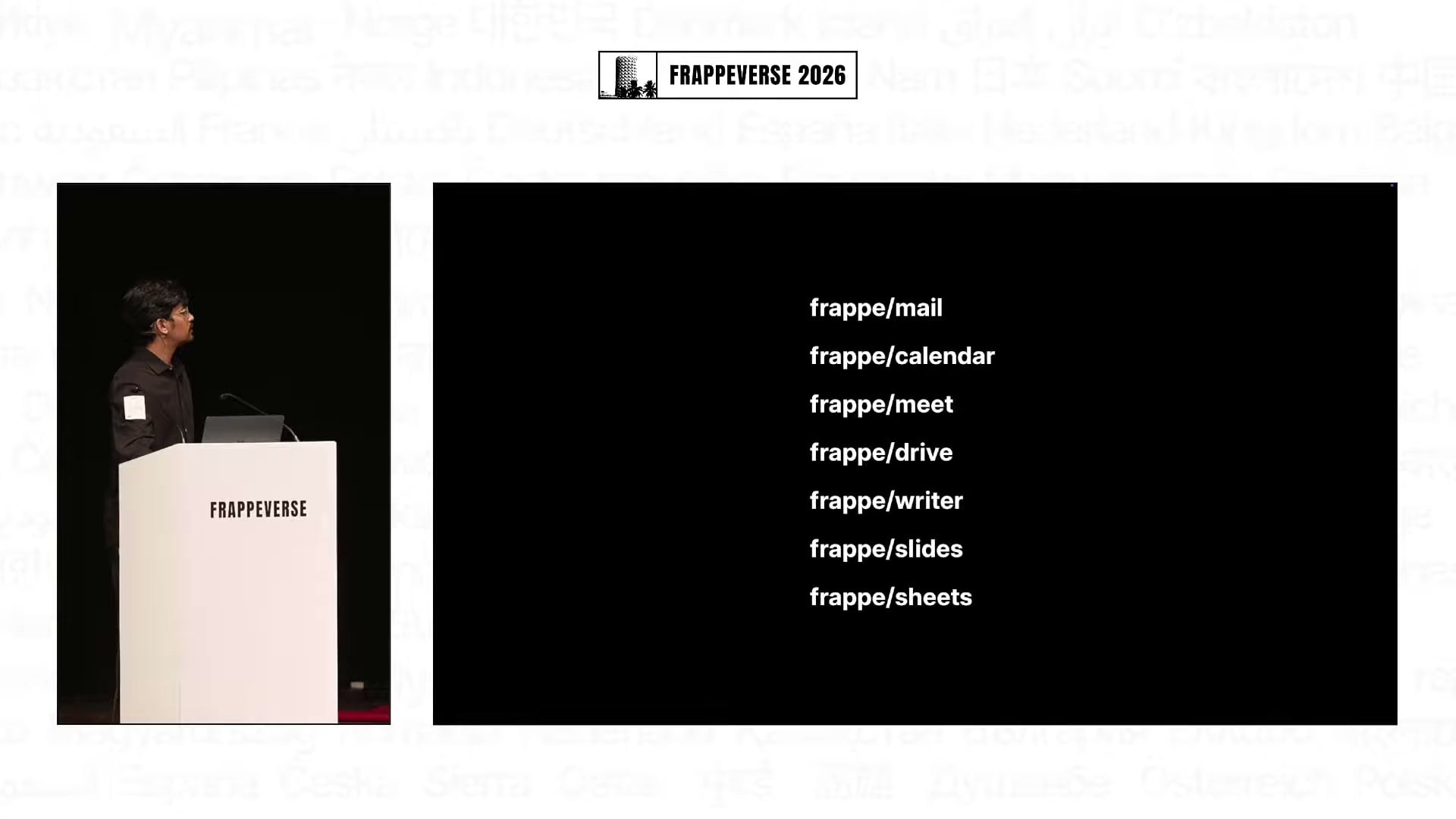
That distinction matters. Mail, Calendar, Meet, Drive, Writer, Slides and Sheets already cover a large part of everyday office work. The harder task is making them feel like one product: content should move naturally between apps, permissions should carry across them, and people should not have to assemble the experience themselves.
At Frappeverse Mumbai 2026, the team showed how far that work has come. It was also refreshingly direct about what still needs polish before a public release.
One codebase changes how the Suite gets built
Faris Ansari, a principal product engineer at Frappe, began with the engineering foundation. The separate Suite repositories have been merged into a monorepo. Shared code no longer needs a separate common app, cross-app integrations can be made with an import, and users install one app instead of piecing together several products.
The less visible benefit may be the most important one: the product teams can work together more closely. A productivity suite lives or dies in the transitions between tools, and a shared codebase gives Frappe a practical way to improve those transitions.
Frappe is already using the Suite heavily inside the company. Ansari said the company has moved its internal productivity workflow away from Google. The usage slide showed 169 Mail users, 460 Slides, 765 meetings, 1,690 documents and 19,678 files. That does not prove the Suite is ready for everyone, but it does give the team something every productivity product needs: daily use by people who can report the rough edges directly.
Meet and Drive now work as a pair
Muhammed Suhail A H, a product engineer at Frappe, described Meet as a bare-bones app a year ago. Internal adoption changed the development loop. Frappe began using Meet for its weekly all-hands, giving the team heavier calls, more participants and a steady stream of feedback.
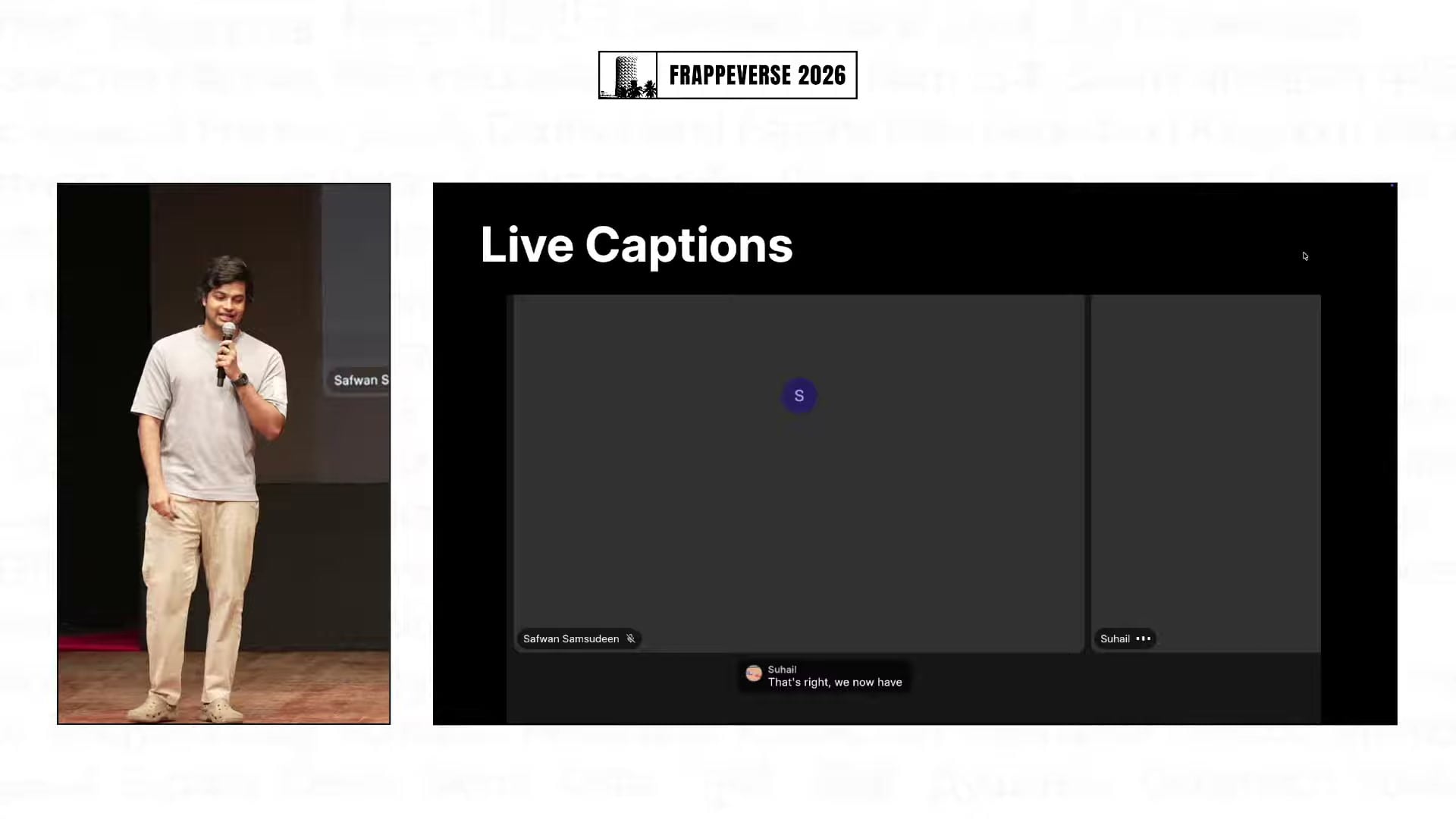
Meet now supports scheduled meetings through Calendar, along with chat, polls, reactions, raised hands and live captions. The team also demonstrated host moderation, end-to-end encrypted calls, noise cancellation, background effects, auto-framing and a deliberately quieter interface that hides controls until they are needed.
The internal numbers shown onstage, measured from the previous three weeks, were seven simultaneous meetings at peak, 107 unique participants and 2,932 meeting minutes. Recordings now land in Drive, which is where the Suite starts to feel more connected.
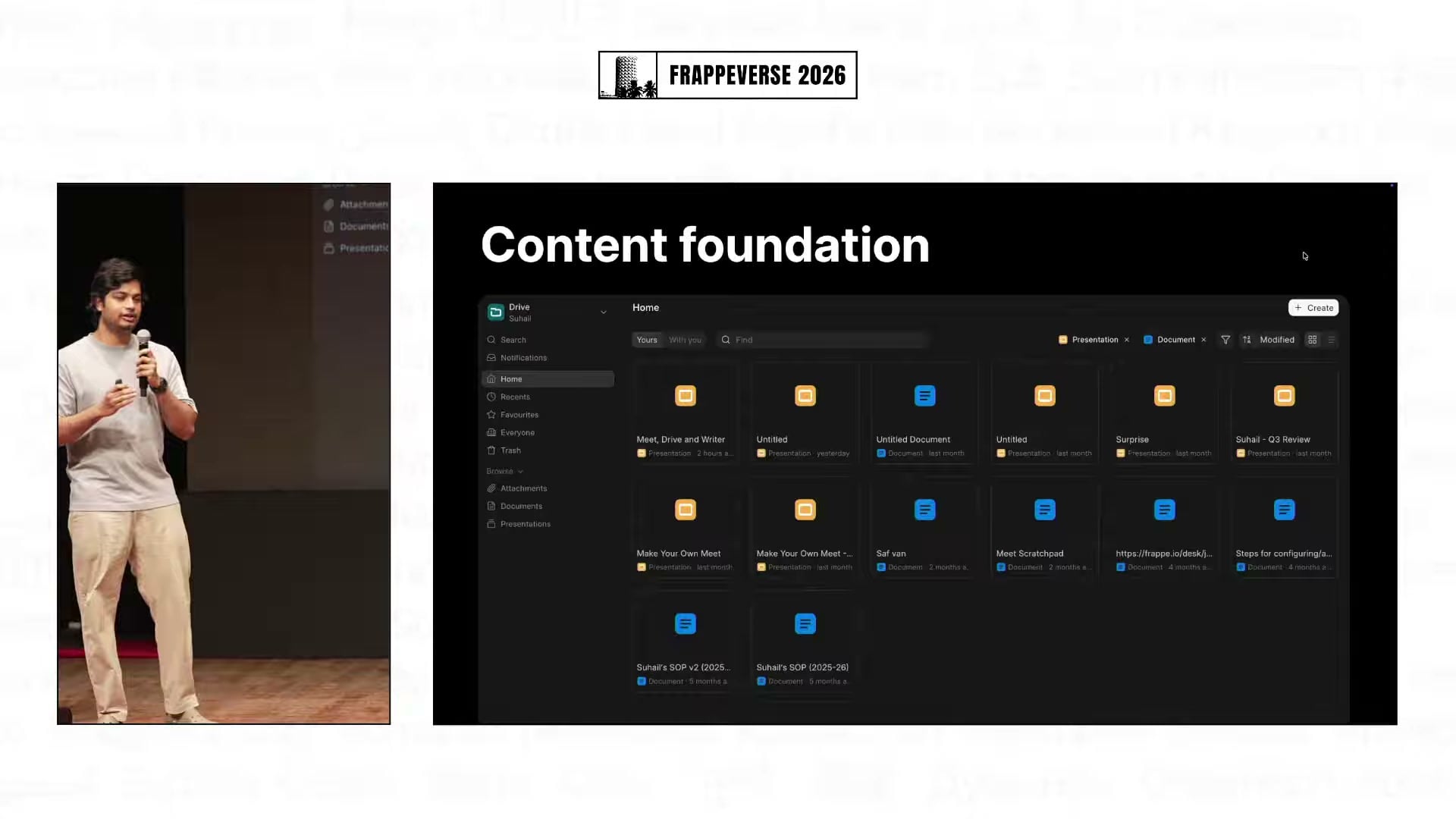
Drive has become the content layer for Writer, Slides and Sheets, while files used elsewhere on a Frappe site can surface there too. Folder uploads now preserve their structure and can be retried, large media can stream in the browser, and interrupted downloads can resume. Each improvement is fairly ordinary on its own. Together, they remove the small reliability problems that make people fall back to another tool.
Slides focuses on getting out of the way
Gursheen Kaur Anand, a product engineer at Frappe, framed the Slides update around interruption. A presentation tool should help an idea reach the screen without asking the user to work around the editor.
That led to offline editing with changes synced after reconnection, PDF export and presenting directly from the editor. History management has been made more reliable, and real-time thumbnails make it easier to see the state of a deck while editing.
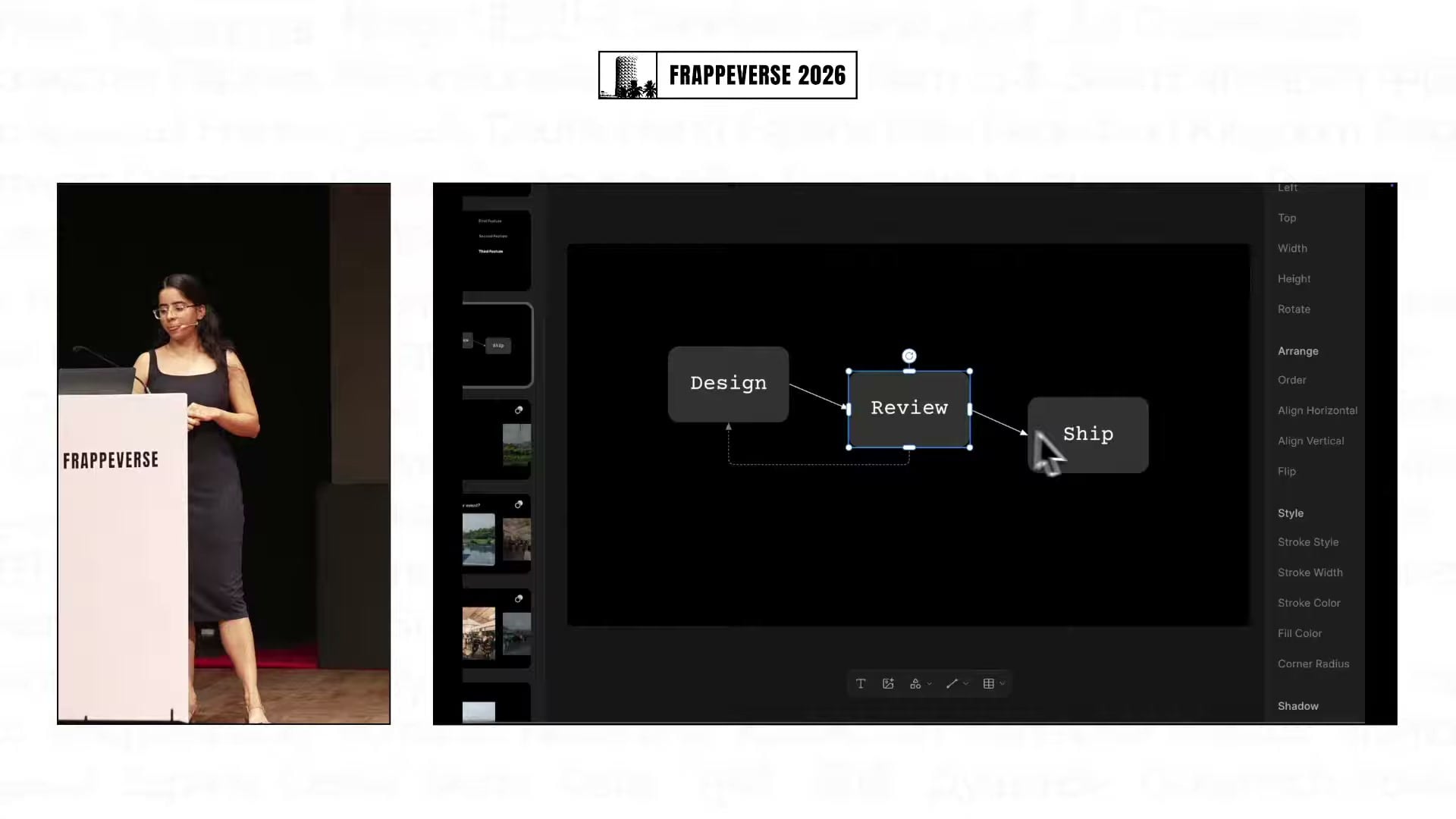
The editor itself has also filled in several practical gaps. Shapes and connectors can build diagrams without another app. Tables can be created and formatted inside a slide. Images can be cropped in place, while elements can be locked, rotated and aligned with improved guides. A more compact properties panel, contextual controls and a cleaner toolbar make those capabilities easier to find.
Frappe’s internal use is already substantial: the team showed more than 450 decks containing more than 3,500 slides created over the year. That is a useful signal for an editor whose biggest improvements are supposed to be felt more than noticed.
Sheets has the familiar building blocks
Vibhav Katre, Frappe’s director of growth, gave the shortest summary of the Suite’s current position: most of the features most people use are already there, but stability, reliability and consistency still need work.
Sheets made that case well. The demo covered importing and formatting data, conditional formatting, formulas from SUM through VLOOKUP and XLOOKUP, configurable pivot tables, charts with previews, and sharing for collaborative work.
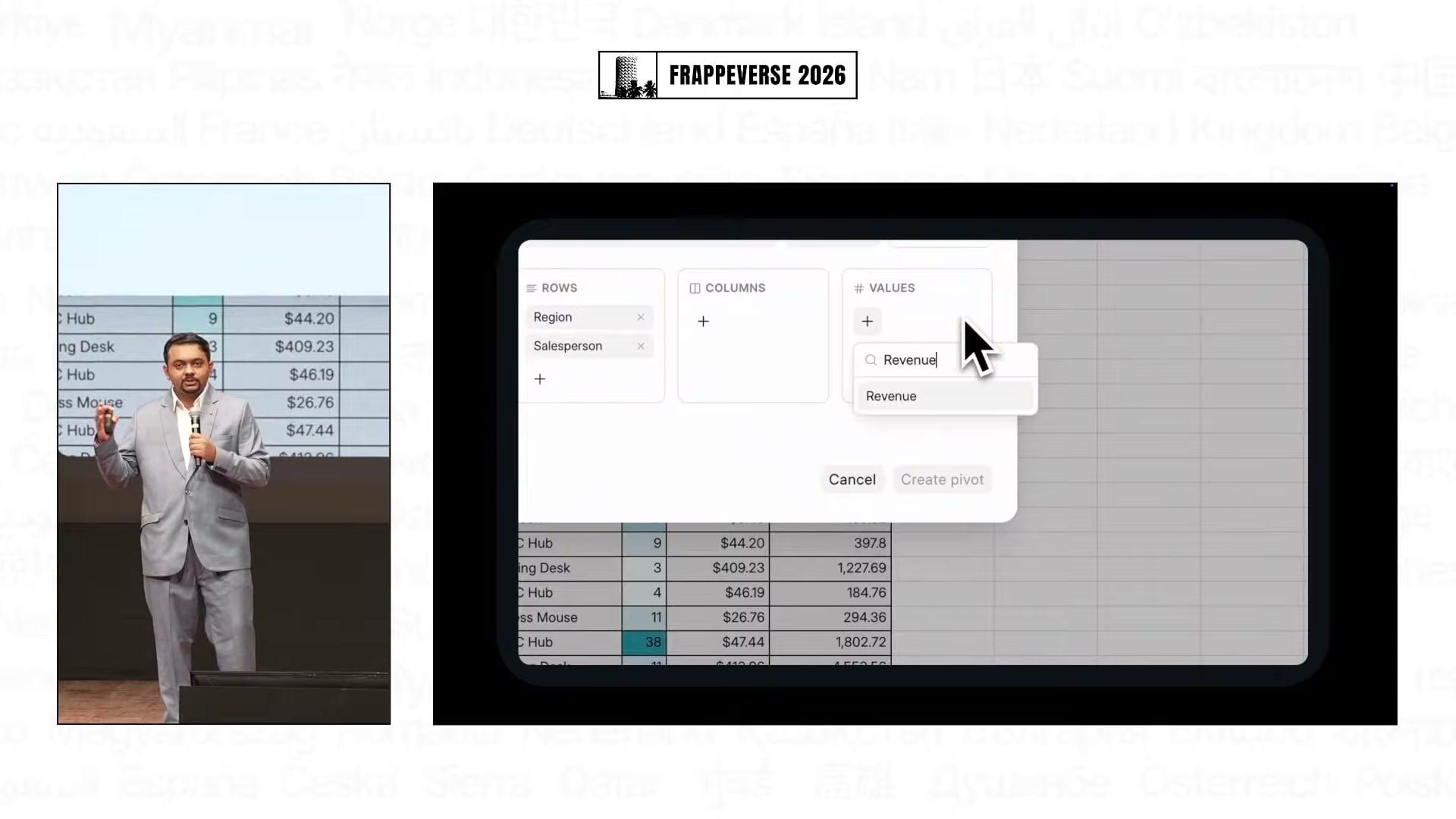
This is also where the release status became clearer. Katre said the team is working toward a public release by the end of the year. That is a target, not a launch announcement, and it depends on the polish work now underway across the Suite.
Mail is already carrying Frappe’s own email
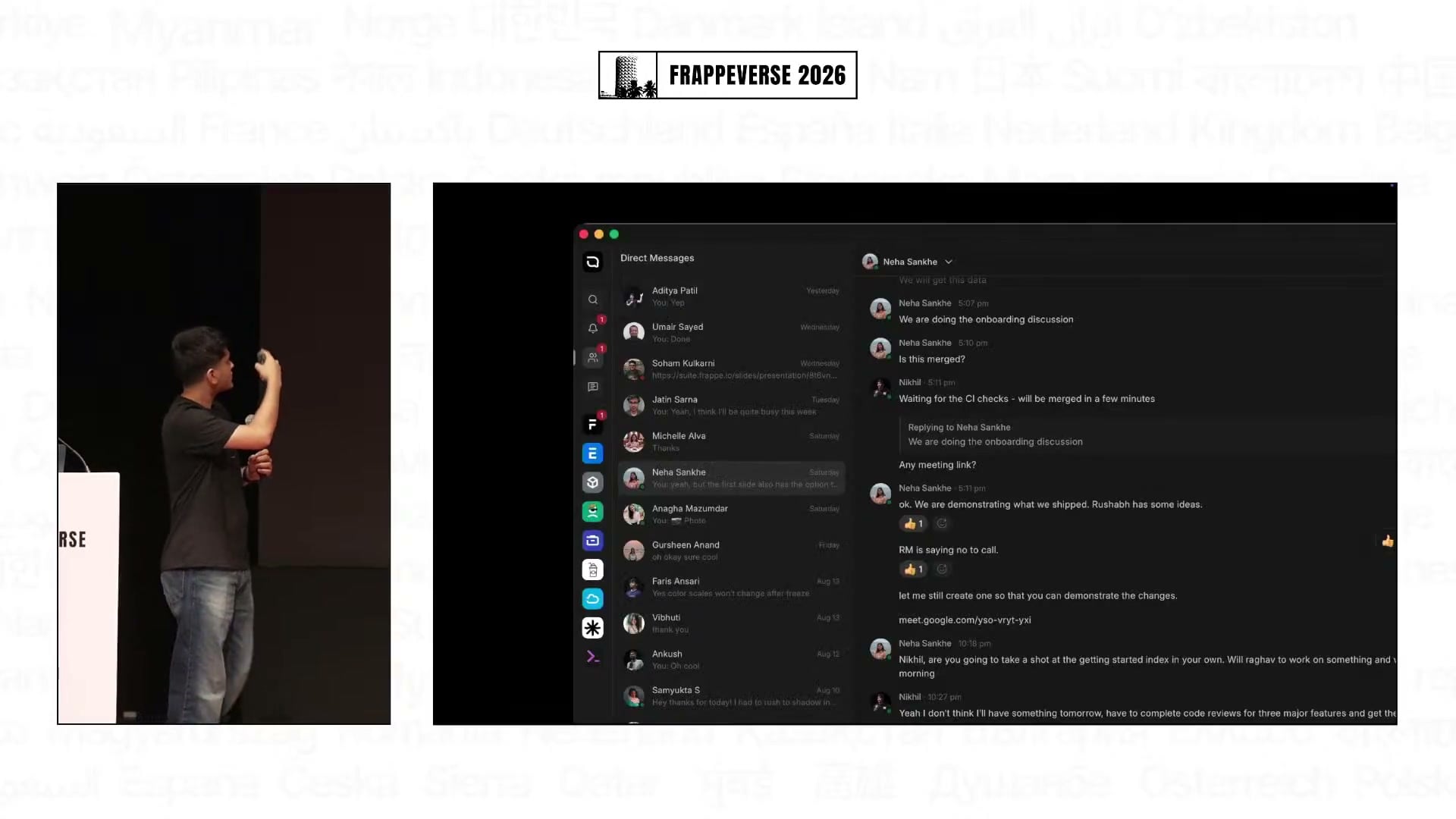
Sagar, an engineer working on Frappe Mail, said Frappe had moved its email off Gmail and that mail sent to or from the company over the previous two months had been handled by Frappe Mail. That migration roughly doubled daily active use and brought feedback from the company’s heaviest email users.
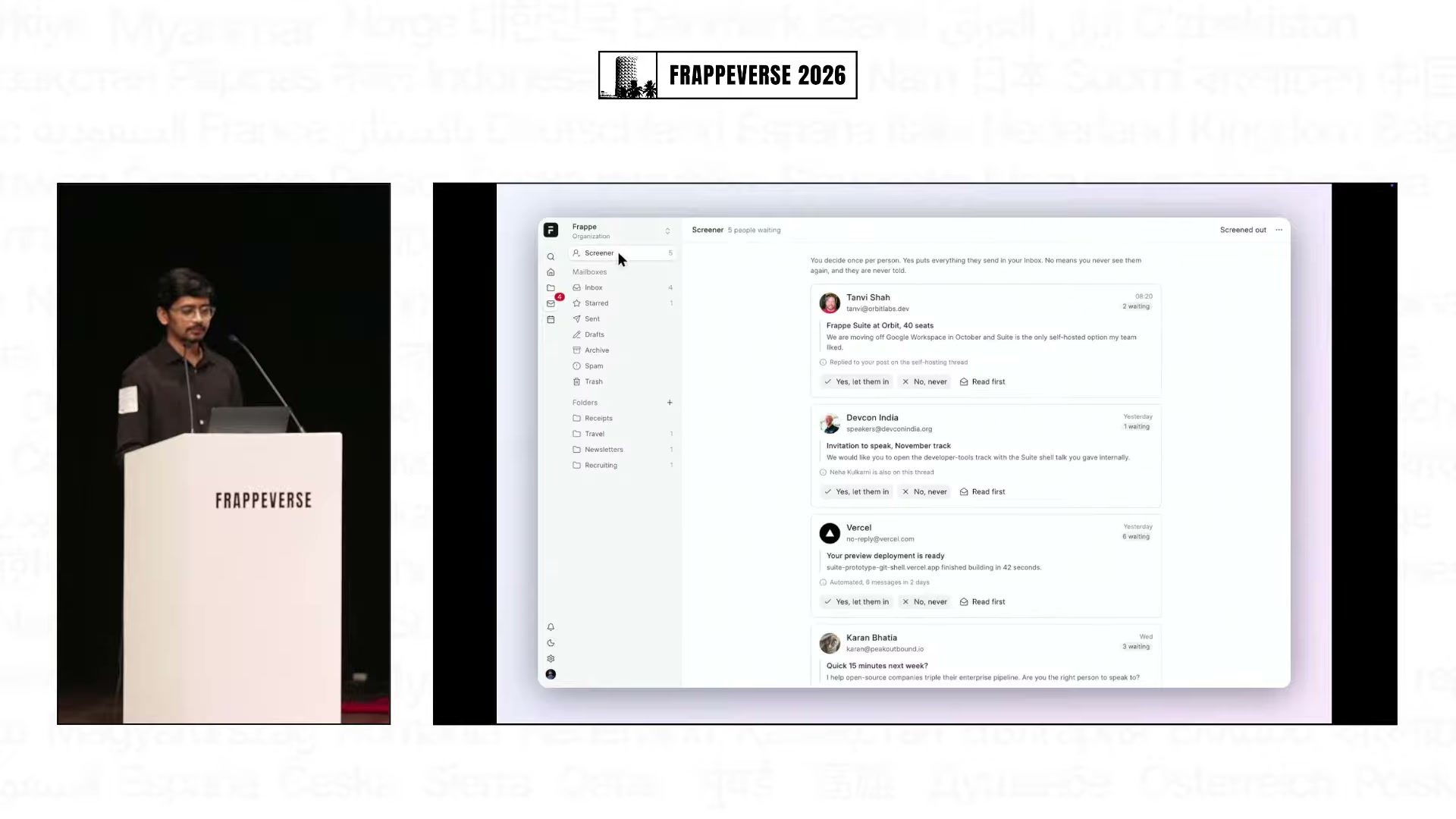
The resulting improvements are grounded in real inbox problems. A new Screener keeps first-time senders out of the main inbox until the recipient accepts or rejects them, while spam filtering continues to happen separately before that decision. Shared mailboxes let teams work from addresses such as accounts@frappe.io, and an all-inboxes view combines messages across accounts while sending replies from the correct address.
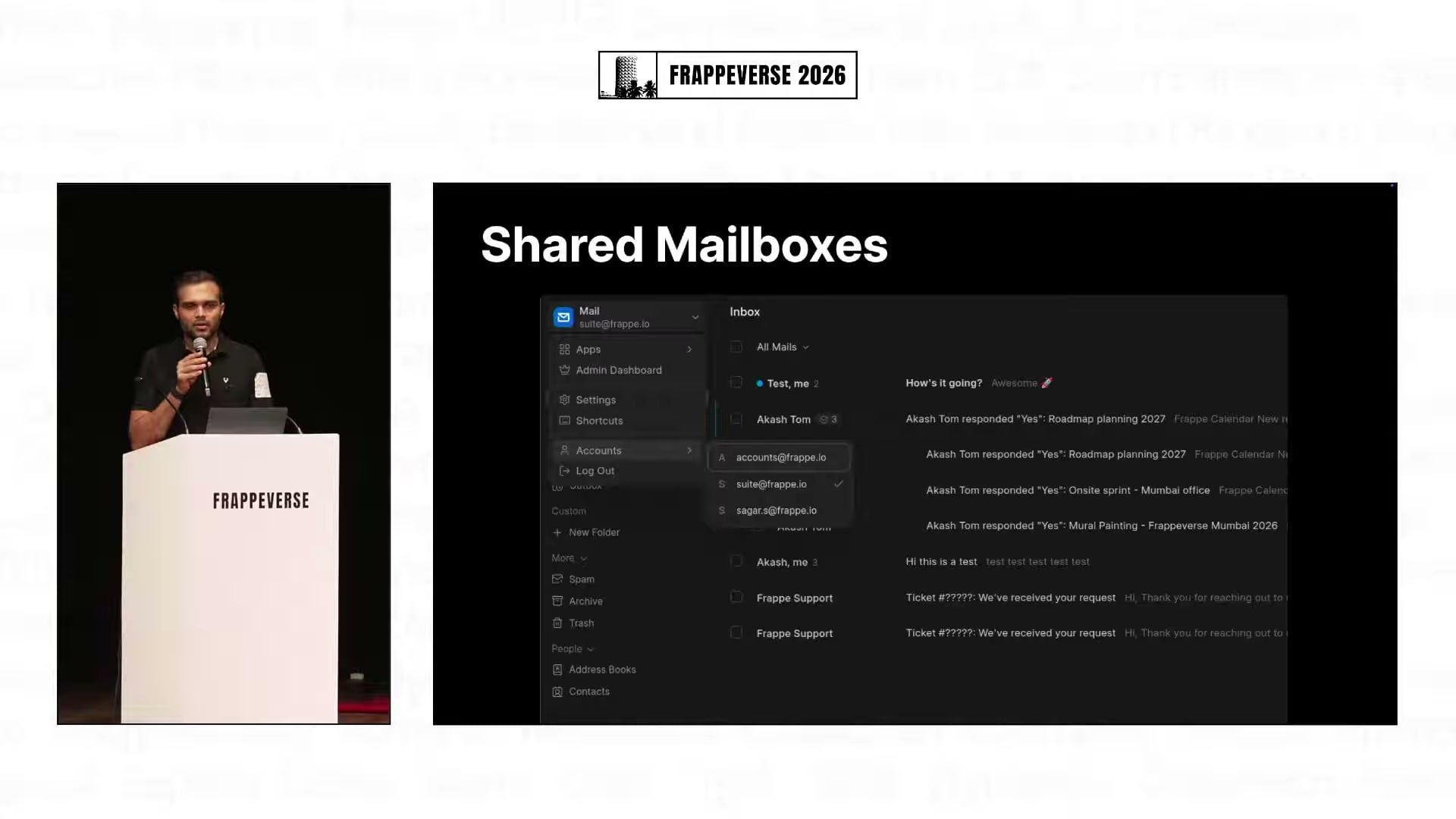
Mail also demonstrated import and export for common mailbox formats, Sieve scripts and rules for automation, scheduled sending, a short undo-send window, keyboard controls, a mobile-friendly PWA with push notifications and more precise search filters. Calendar invitations can be accepted from the message, opened in a sidebar and connected to a scheduled Meet call. Administrators get controls for domains, members, groups, delivery tests, queues, authentication checks and server logs.
Mail already uses Calendar and Meet to complete common workflows, turning the Suite name into a real connection between products.
The integrated Suite is promising but still unreleased
Ansari closed with a preview of the unified Suite home screen. The demo moved through documents, presentations, spreadsheets, files, events, named meeting rooms, Mail, Calendar and an integrated command palette without treating each app as a separate destination.
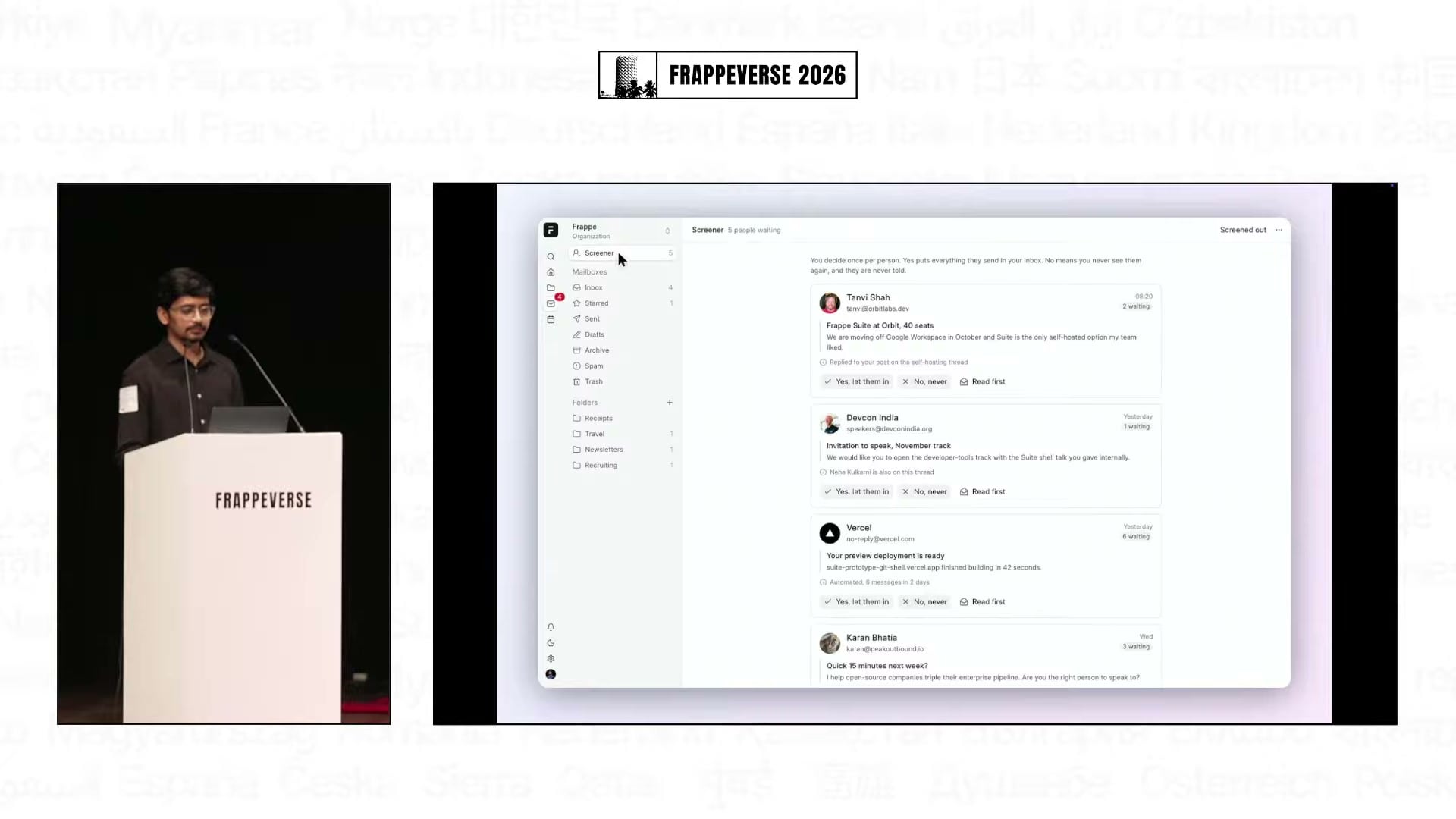
Then came the useful caveat: this integrated experience is unreleased, and the team is not yet satisfied with its polish.
The unified Suite is unfinished, and the team said so plainly. Frappe is building the connective tissue first, proving the apps inside its own company, and showing enough of the shared experience to make the direction tangible. Turning that internal adoption into everyday reliability could make Frappe Suite one of the more interesting open-source product stories to follow this year.
Watch the full Day 2 Track 1 livestream from the start of the Frappe Suite keynote