ERPNext v16 manufacturing: planning and shop-floor changes
· Yajat Gulati · 10 min read
Cover image: Frappe's official ERPNext v16 release page.
ERPNext v16 gives manufacturing teams a planning chain that v15 only approached through separate documents and custom operating habits. Sales Forecast feeds a Master Production Schedule, which accounts for lead times and sends demand into a Material Requirements Planning report. The report can turn a dated requirement into a Purchase Order or Work Order decision.
That planning layer is the headline change. ERPNext v16.33 also adds semi-finished stages, phantom assemblies, secondary-output costing, clearer Job Cards and earlier Work Order reservations.
From production plans to a planning chain
ERPNext v15 gives planners BOMs, Production Plans, Work Orders and Material Requests. A team can plan production from sales orders and projected stock, but forecast demand and order-release timing are usually handled outside one connected planning flow.
Version 16 adds three records that make the chain explicit:
- Sales Forecast generates weekly or monthly demand.
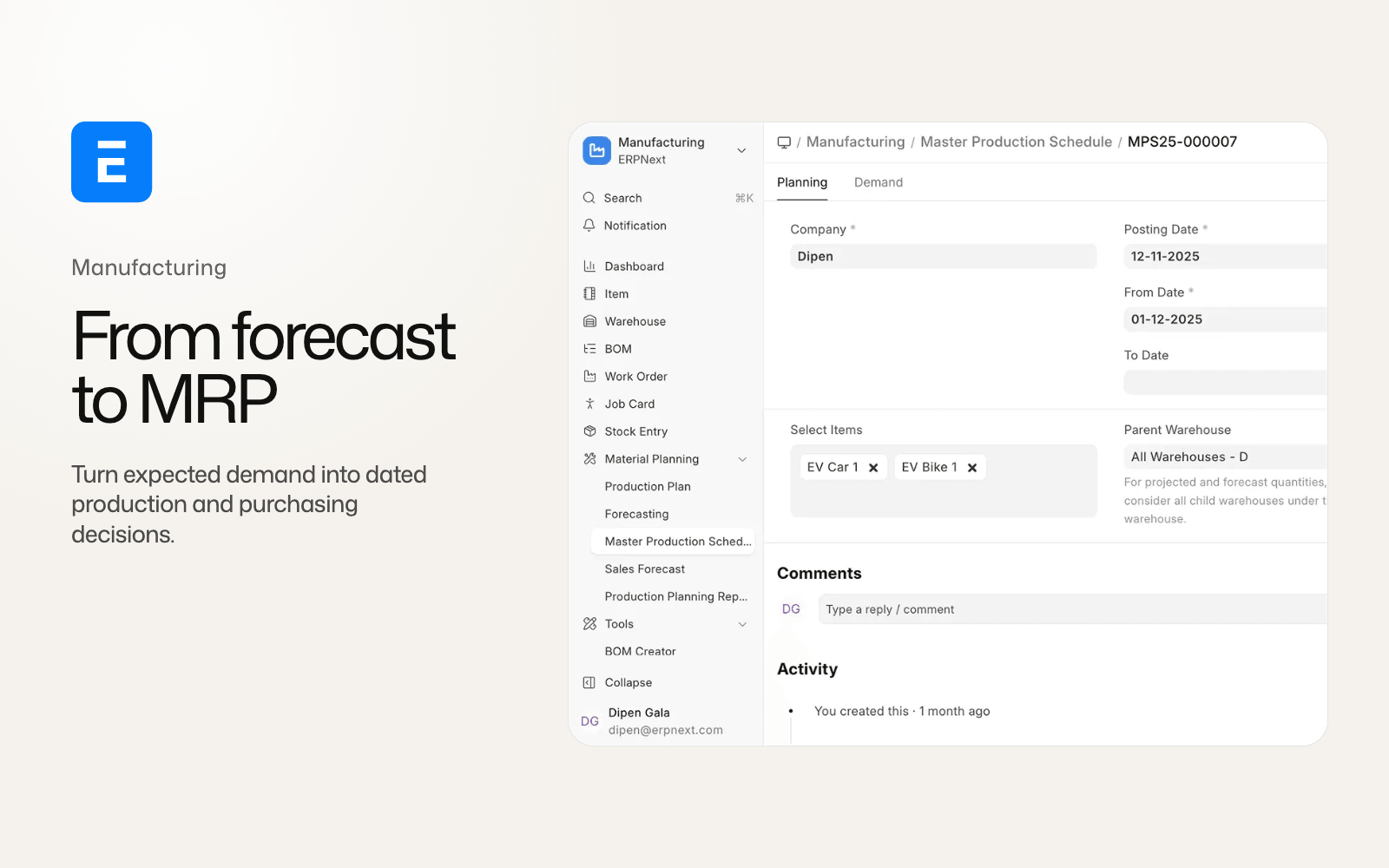
- Master Production Schedule combines forecasts with Sales Orders and Material Requests, then calculates lead time and release dates.
- Material Requirements Planning Report presents requirements in daily, weekly or monthly buckets and can create a Purchase Order or Work Order from a requirement.
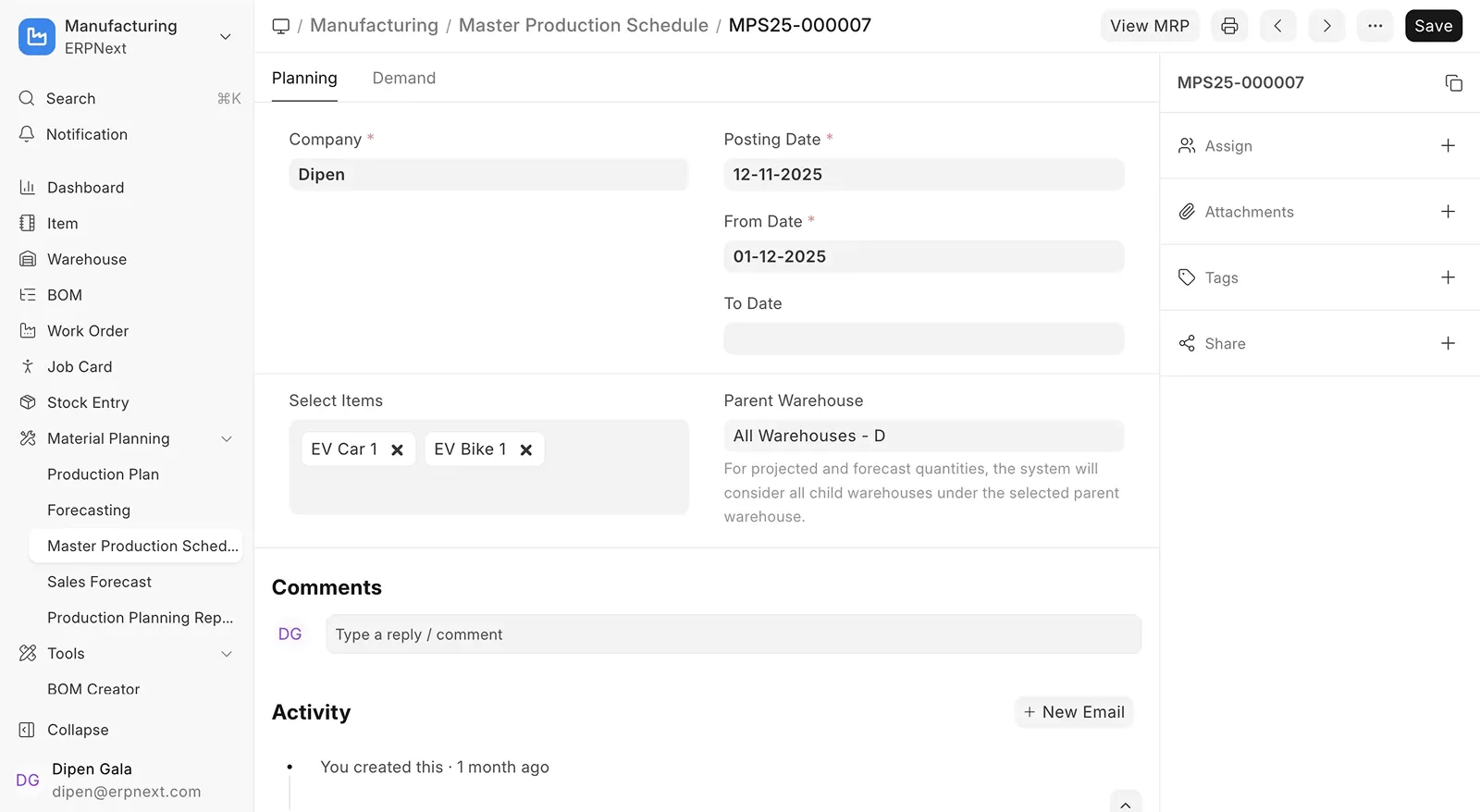
The Master Production Schedule shown on Frappe's ERPNext v16 release page.
The mechanism changes the planner's starting point. Instead of asking only what current orders and projected stock require, the planner can represent expected demand, see when an item needs to be released and inspect the material consequences by time bucket. Submitting an MPS can run MRP, so the plan moves from demand to supply without recreating every line by hand.
Item Lead Time records provide the inputs. Purchase and manufacturing time, buffer time and capacity can feed the release-date calculation. The output remains a plan, so planners should check supplier calendars, capacity and open orders before converting recommendations into documents.
What the MRP report changes for purchasing and production
The MRP report groups demand by time bucket and provides inline actions to make a purchase or Work Order. That is a workflow improvement for teams that currently export projected quantities to a spreadsheet before deciding what to buy or make.
The report also makes assumptions visible. A shortage can reflect a forecast, a Sales Order, an open Material Request, a lead-time rule or projected stock. Define which sources are trusted for each product family and who approves a recommendation. A grid cell is not a supplier commitment until the resulting Purchase Order passes normal buying controls. Record the ERPNext and Frappe Framework point releases together when testing because Framework changes affect the planning workspace around the ERPNext records.
Semi-finished goods become an explicit production stage
Many factories produce an intermediate item, move it to another operation and only then make the final item. ERPNext v15 can represent parts of this process with multiple BOMs and Work Orders, but the stage relationship is not a first-class switch on the BOM.
ERPNext v16.33 adds Track Semi Finished Goods. Each operation can become a stage with its own finished or semi-finished item, BOM and warehouse choices. The stage can control skip-transfer, backflush and quality-inspection behavior. One operation must be the final finished-good operation, and sequential quantities are enforced.
Job Cards can post their own manufacture Stock Entry for an operation. That gives inventory and work-in-progress records a closer relationship to what happened at each stage. It also means an old custom flow that posted one final Stock Entry may need a new reconciliation between operation output, WIP and final output.
Test one real multi-stage product through partial completion, process loss, a quality inspection and a later operation. Compare the quantities at each warehouse and the resulting valuation. A checkbox alone cannot confirm that an existing BOM has the correct stage structure after migration.
Phantom BOMs reduce unnecessary intermediate stock
Version 16 also adds an Is Phantom BOM option. A phantom BOM can explode into its parent wherever the BOM is used instead of becoming a stocked intermediate item. The BOM Configurator can show phantom nodes and configure an operation or workstation per node.
This is useful when a subassembly is a planning convenience but the shop floor does not hold it as a separately stocked item. The trade-off is visibility. If a team uses an intermediate item for inspection, capacity reporting or a warehouse handoff, exploding it away can remove a useful control. Decide whether the intermediate is a real inventory stage before marking the BOM phantom.
Co-products and by-products change costing
The v15 scrap-oriented model does not clearly separate a saleable co-product, a process by-product and a loss. ERPNext v16.33 replaces BOM Scrap Item with BOM Secondary Item and adds a Secondary Item Type choice for Co-Product, By-Product, Scrap and Additional Finished Good.
Each secondary row can carry a cost-allocation percentage and process-loss percentage. The allocation across the main finished good and secondary outputs must equal exactly 100 percent before the BOM can be saved. The current costing model calculates secondary cost from raw-material cost multiplied by the allocation percentage rather than from rate multiplied by quantity. Legacy scrap rows are marked as legacy during migration.
That change gives a process manufacturer a more direct way to explain where material cost goes when one operation produces several outputs. It also changes the number that finance will see. Recalculate a representative BOM in v15 and v16, then compare the raw-material allocation, stock value, process loss and gross margin for each output. Custom reports built around the old scrap classification need to move to the new secondary-item model.
Job Cards and workstations get a clearer operating loop
In v16.33, Job Card adds explicit Start, Pause, Resume and Complete timer actions. Completion can split quantity into Completed, Pending for a later cycle and Process Loss. The record also exposes actions to make a Stock Entry or subcontracting Purchase Order and includes a secondary-items tab and dashboard.
For shop-floor supervisors, the useful consequence is a more precise handoff between time, quantity and material movement. A partially completed job no longer has to look like a final completion with an informal note. The team can record what was finished, what will continue and what was lost, then decide whether to transfer or consume material.
Workstations add QR-code fields for starting and completing jobs, multi-employee selection and a raw-material dialog with transfer actions. Operating costs also become user-defined components through a Workstation Operating Component DocType with per-company expense accounts. The old fixed Electricity, Consumable, Rent and Wages fields move to the component model.
These behaviors are available in v16.33. Run a timed job with two employees, a partial quantity and process loss. Verify that the time log, employee assignment, WIP entry and workstation cost all land in the intended accounts before using the new loop for production costing.
Work Orders can reserve material earlier
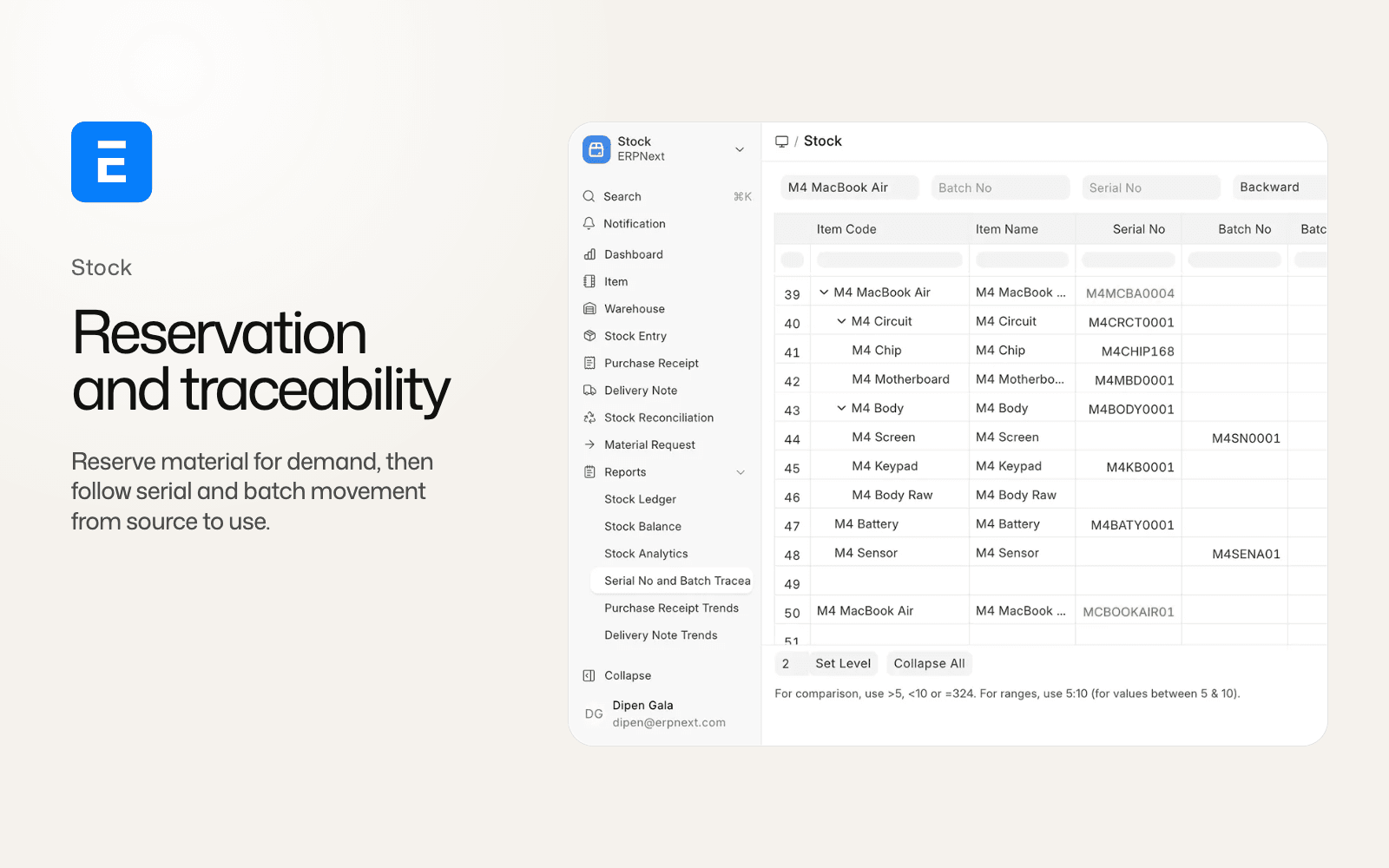
Stock reservation expands from a mostly sales-order-oriented workflow to Work Orders, Production Plans, Subcontracting Orders and Subcontracting Inward Orders. Work Orders can show Stock Reserved or Stock Partially Reserved, link back to an MPS and create a Material Request from a mapper.
This moves a production decision earlier in the stock lifecycle. A planner can protect material for a scheduled job before a Delivery Note exists, while the reservation record tracks transferred and consumed quantities. Delivery Notes also receive reserved-stock validation in v16, so an existing delivery integration that bypasses the check needs testing.
Production Plan defaults also change. Consider Projected Qty in Calculation is enabled by default in v16.33, and Material Request Type includes Subcontracting. The default is consequential because it changes the supply signal a planner sees without changing the product master.
Use two Work Orders competing for one component, then transfer part of the reserved quantity and cancel one order. Check reservation status, projected quantity, material requests and Delivery Note validation.
Inward subcontracting connects manufacturing to job work
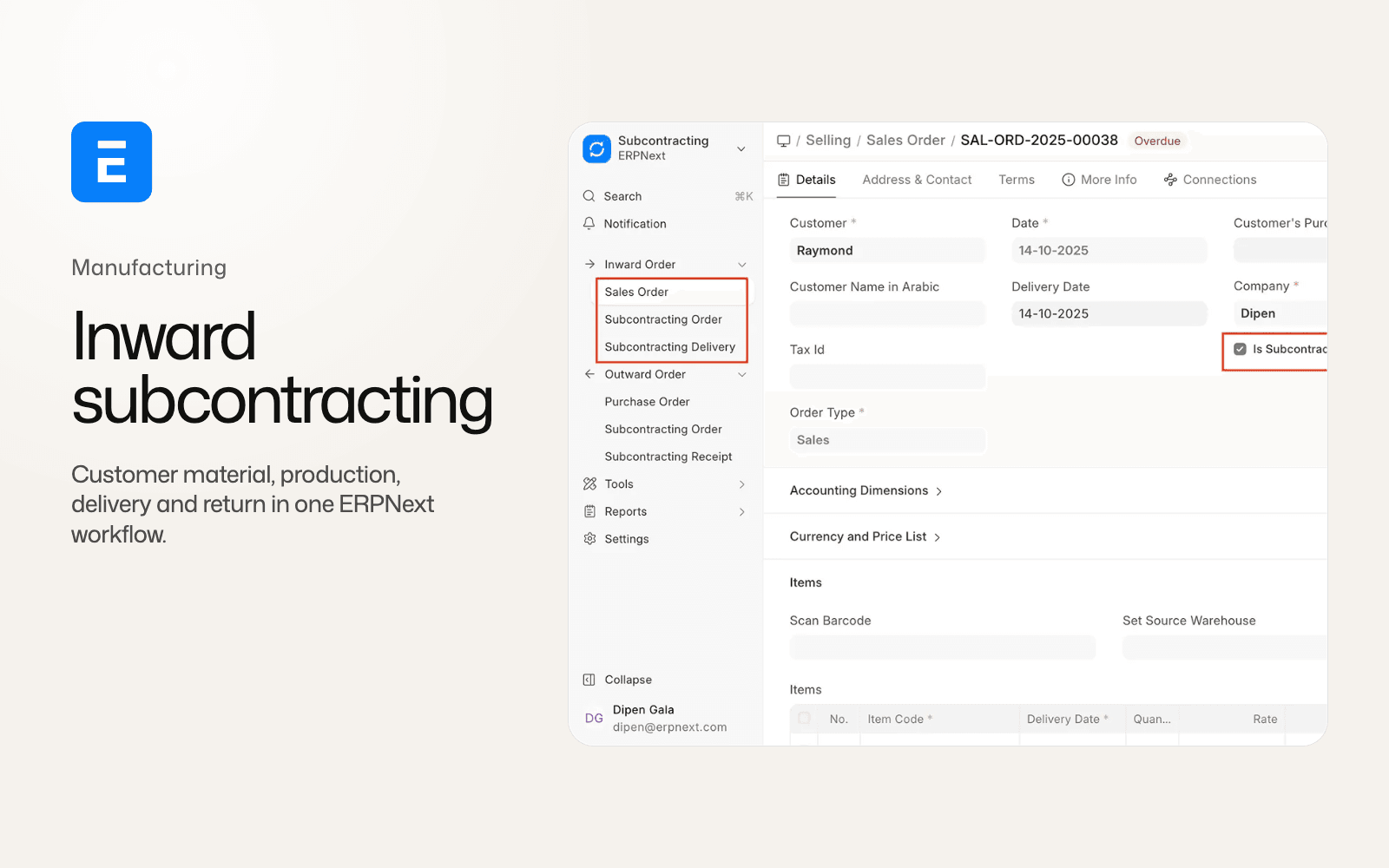
ERPNext v16 adds inward subcontracting for companies that manufacture with material supplied by a customer. The flow starts from a subcontracted Sales Order and creates a Subcontracting Inward Order. Customer-owned material can move through a customer-linked warehouse, Work Order, production, delivery and return.
This is distinct from outward subcontracting, where your company sends material to a supplier for processing. The inward flow gives customer ownership and process loss their own records. It is useful for job-work manufacturers, but it crosses selling, stock and manufacturing controls. The broader ERPNext v16 vs v15 comparison covers the flow alongside the other release changes.
Manufacturing migration checklist
The official ERPNext v16 migration guide should be paired with the Frappe Framework migration guide. Before cutover, use a restored staging copy and:
- Compare Sales Forecast, MPS and MRP recommendations with the planner's existing spreadsheet for several demand periods.
- Check Item Lead Time, capacity, supplier lead times, open orders and order-release dates.
- Run one single-output BOM, one multi-output BOM, one semi-finished BOM and one phantom BOM.
- Recalculate co-product and by-product costing, including process loss and a legacy scrap row.
- Run a Job Card through start, pause, resume, partial completion and final completion.
- Test workstation operating components, employee time, QR actions and the resulting accounts.
- Create competing Work Orders and test stock reservation, transfer, consumption, cancellation and Delivery Note validation.
- If you use subcontracting, run both outward and inward flows and reconcile customer-owned material.
Custom applications and manufacturing reports need compatibility review for permissions, renamed fields and integrations. A completed migration has not yet proven that a planner's recommendation, a shop-floor quantity or a stock valuation is correct.
Who should move to ERPNext v16 manufacturing?
Version 16 is a strong starting point for a new manufacturing implementation. Forecast-driven businesses, process manufacturers, job-work suppliers and plants with semi-finished stages have clear reasons to use the new planning and production records.
For an existing v15 site, prioritize the upgrade when the operation needs MPS and MRP, customer-supplied material, multi-output costing or earlier reservation. Wait when critical custom reports depend on the scrap fields, when workstation costing is not mapped, or when the team cannot run a representative production rehearsal. ERPNext v15 remains under Frappe's planned support window through the end of 2027, which leaves room for a controlled migration.
Version 16 gives demand, material, operations and output a clearer relationship. Use it in production when the quantities and costs reconcile on a real product.
ERPNext v16 manufacturing FAQ
Does ERPNext v16 have MPS and MRP?
Yes. Sales Forecast, Master Production Schedule and Material Requirements Planning are listed as v16 manufacturing work. MPS combines forecast and order demand, while MRP presents time-bucketed material requirements and can create Purchase Orders or Work Orders.
Can ERPNext v16 track semi-finished goods?
ERPNext v16.33 adds Track Semi Finished Goods to BOMs. It creates operation-level stages with their own item, BOM and warehouse behavior. Test quantities and valuation on the target point release.
Does v16 support co-products and by-products?
ERPNext v16.33 uses BOM Secondary Item with Co-Product, By-Product, Scrap and Additional Finished Good types. Cost allocation must total 100 percent, and the costing model differs from the legacy scrap path.
Are phantom BOMs available in ERPNext v16?
Yes, in ERPNext v16.33. A phantom BOM can explode into its parent instead of becoming a stocked intermediate. Use it only when the intermediate is not a required inventory or quality stage.
Does manufacturing stock reservation change in v16?
Yes. Reservations extend to Work Orders, Production Plans and subcontracting workflows. Delivery Notes also receive reserved-stock validation, so integrations should be retested.
For the wider comparison, read ERPNext v16 vs v15: the changes that alter daily work.