ERPNext v16 stock: reservation and traceability
· Yajat Gulati · 8 min read
Cover image: Frappe's official ERPNext v16 release page.
ERPNext v16 changes stock reservation from a Sales Order feature into a shared engine for production and subcontracting. It also adds a Serial No and Batch Traceability report that can follow material backward to its source or forward into the transactions that used it.
That combination gives planners and quality teams a clearer answer to two different questions:
- Can this demand have stock set aside for it?
- Where did this item come from, and where did it go?
The changes are useful, but they are not a reason to skip migration testing. Stock reservations now participate in more workflows, serial and batch records are organized differently, and v16 also changes valuation and reposting behavior.
From Sales Order reservation to a common stock engine
In v15, reservation is centred on the Sales Order. That works for a delivery promise, but it leaves production planners and subcontracting teams to coordinate demand through other records. A Work Order can need material before a Delivery Note exists. An inward subcontracting job can need customer material before production begins. Those commitments still need a stock decision.
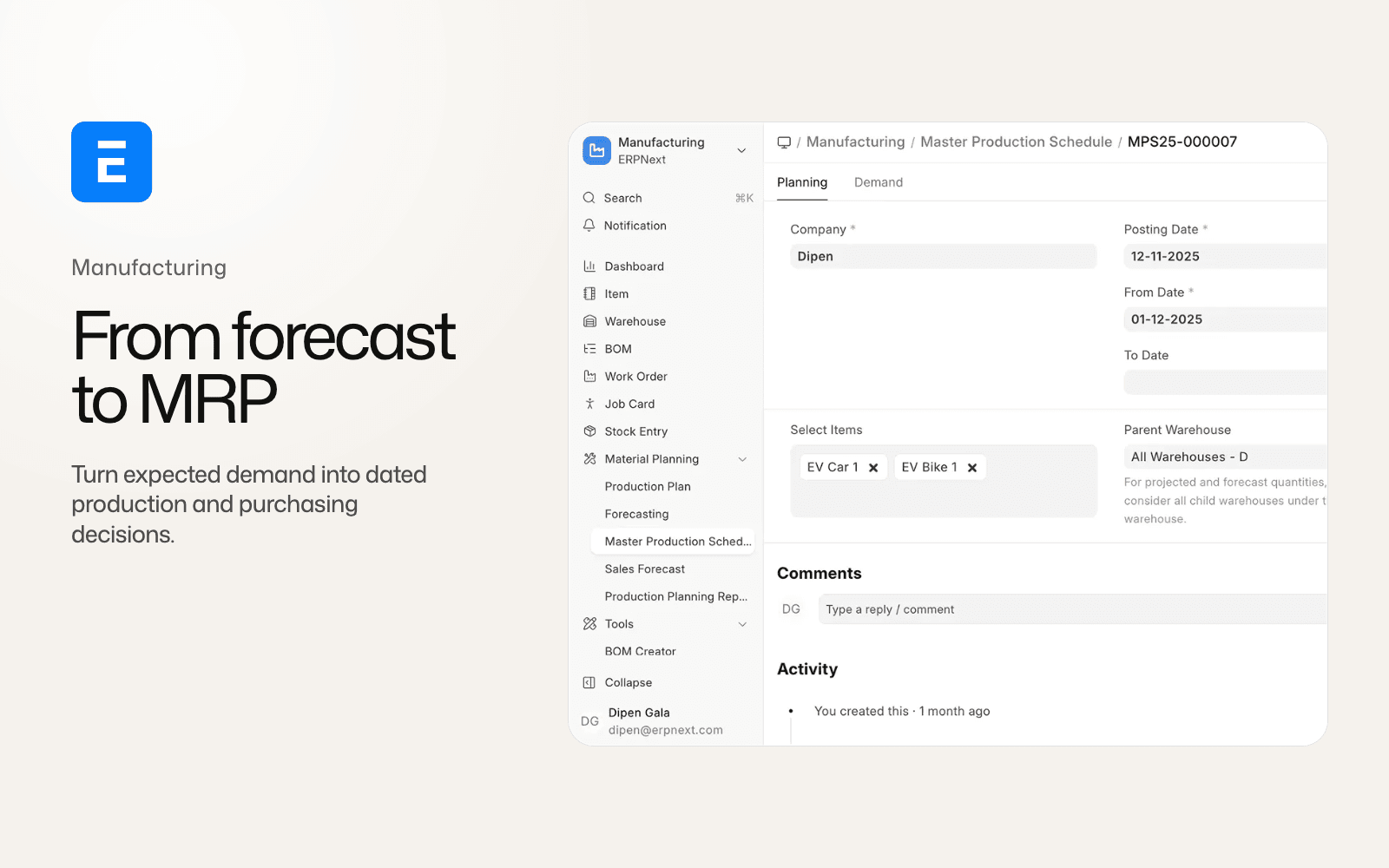
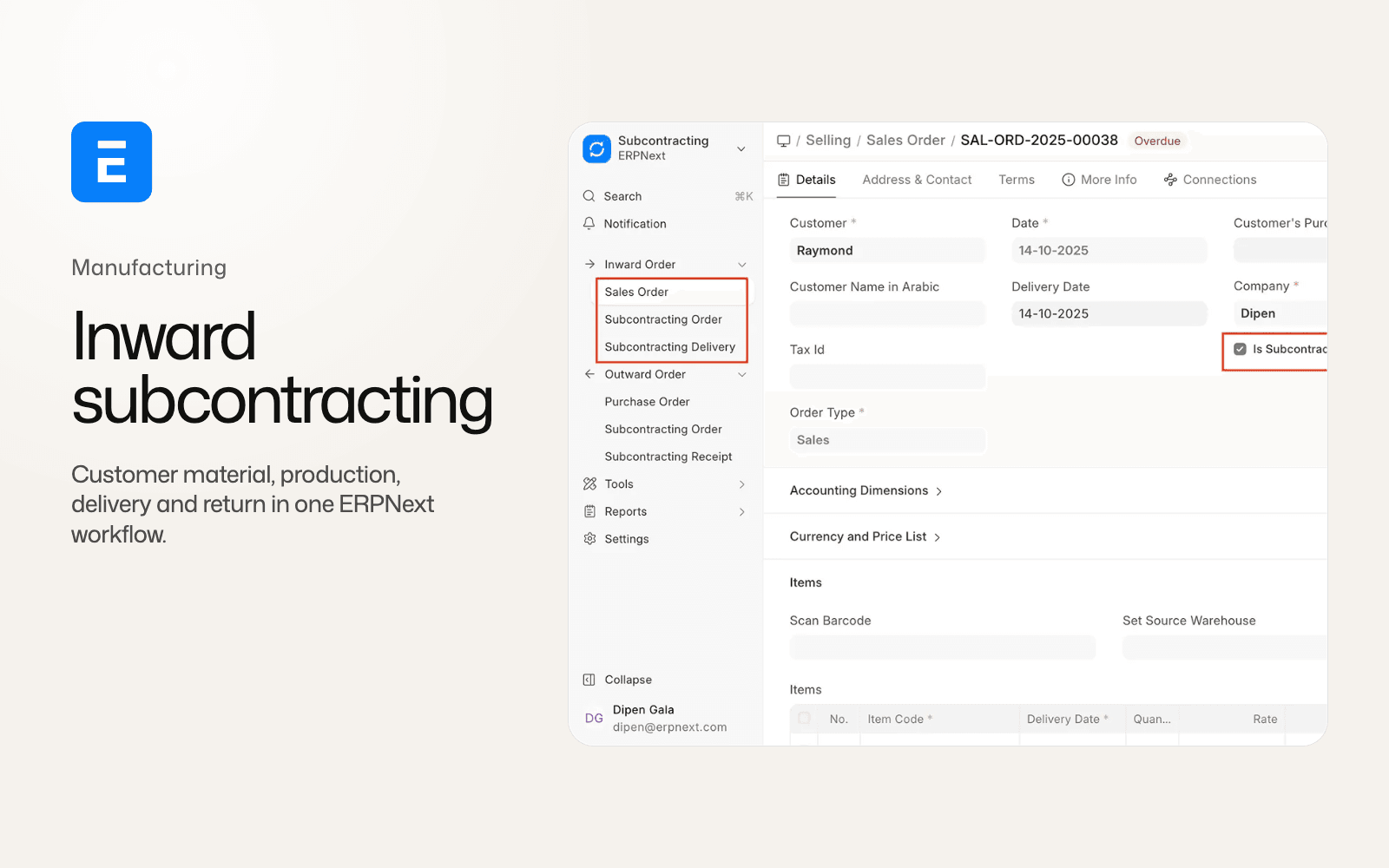
Version 16 generalizes the Stock Reservation engine across Work Orders, Production Plans, Subcontracting Orders and Subcontracting Inward Orders. Reservations can also be created from Stock Entry and Purchase Receipt flows. The reservation record becomes a shared object that different documents can create, update and close.
The change puts the reservation decision nearer to the work that consumes the material. A production plan can reserve components for planned orders. A Work Order can hold the quantity it needs while the shop floor schedules operations. Outward and inward subcontracting can keep their material commitments visible before the receipt or return is posted.
The main ERPNext v16 comparison covers this change beside accounting, manufacturing and subcontracting. This article stays with the stock behavior and the checks it creates for an existing site.
Transferred quantity and consumed quantity make the reservation state useful
The v16 reservation record adds Transferred Quantity and Consumed Quantity, alongside statuses such as Partially Used and Closed. Those fields separate three events that are easy to blur together:
- Material was set aside for a document.
- Material moved into the next warehouse or process step.
- Material was consumed by the work that reservation supported.
For a partly completed job, a Work Order may reserve 100 units, transfer 60 to work in progress and consume 45. A single reserved quantity cannot explain whether the remaining 55 units are still available for the job, still in a staging warehouse or already used by a later operation. The additional quantities keep those states apart.
They also make partial completion less destructive to planning. A partially used reservation can stay open for the balance rather than forcing an operator to cancel and recreate the entire commitment. When the document no longer needs the material, the reservation can close with an explicit terminal state.
The practical question for an implementation is which document owns each transition. Custom stock workflows should record the document that created a reservation, the Stock Entry or Purchase Receipt that transferred it, and the transaction that consumed it. If an integration only reads the old Sales Order fields, it will miss reservations created by production or subcontracting.
Auto-reserve changes the timing of the decision
Stock Settings in v16 adds an Auto Reserve Stock toggle. With the setting enabled, supported workflows can create reservations without a planner manually selecting a Reserve action each time.
That can reduce the gap between planning and allocation. A Production Plan that is submitted with material demand can reserve the available quantity before a buyer or production supervisor treats it as free stock. The same mechanism can help subcontracting teams hold the material associated with an active order.
Automation also raises the cost of a bad master record. Item warehouses, projected quantities, material requests and open work must be reviewed before enabling the setting on a busy site. A site that turns on auto-reserve without defining who may unreserve stock can create a different queue of operational problems.
Reserved-stock validation also reaches Delivery Notes in v16. The v15 behavior exempted Delivery Notes from this validation. A delivery that was possible under an older workflow can therefore meet a reservation check after the upgrade. Test partial deliveries, reservation release, returns and cancellation rather than checking only the happy path.
Traceability works in both directions
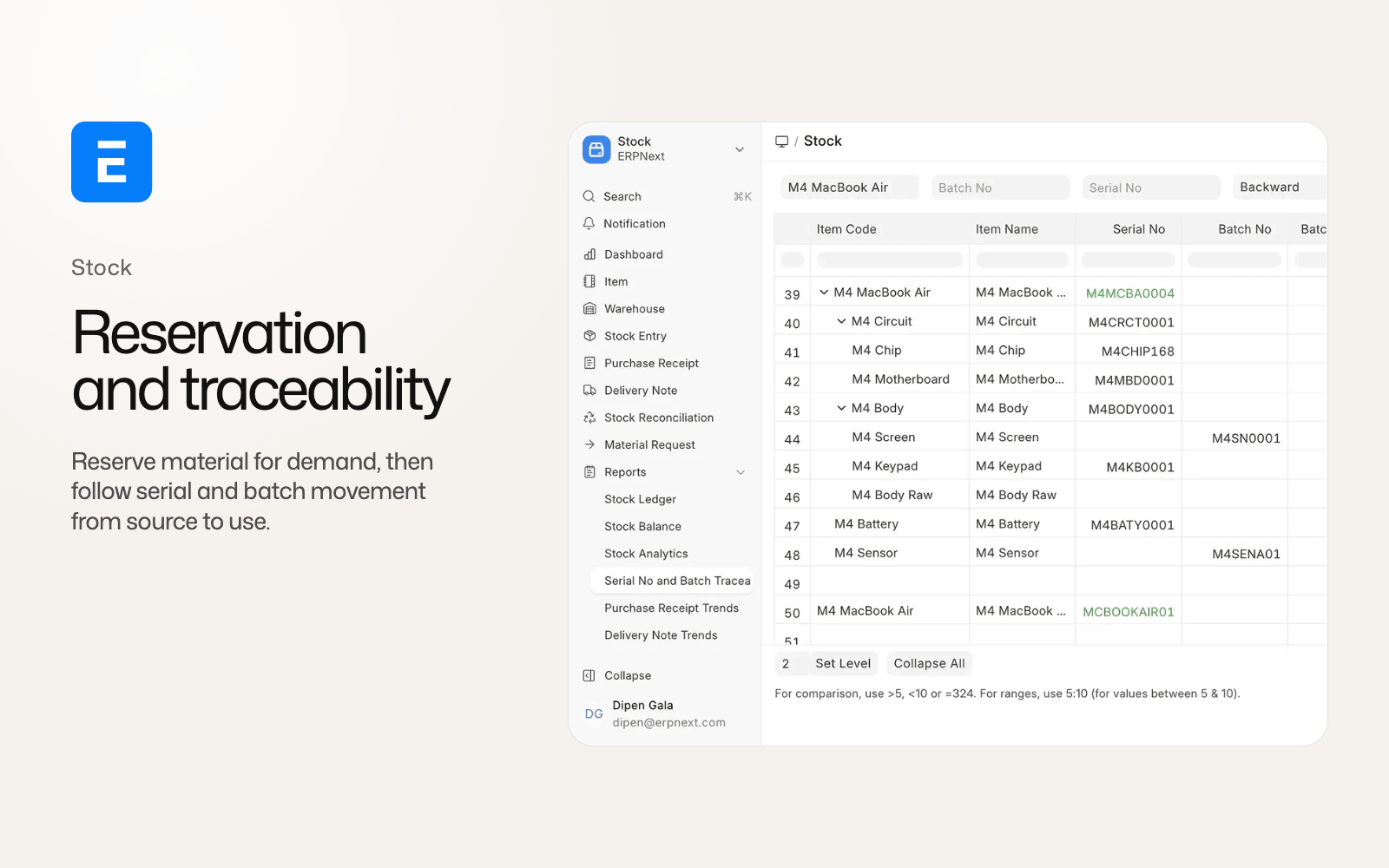
ERPNext v16 adds a Serial No and Batch Traceability report. The report can follow a serialized or batched item backward through the transactions that introduced its material and forward into the transactions that consumed or delivered it.
Backward tracing answers a procurement and quality question. Which receipt, supplier, lot or production step introduced this component? Forward tracing answers a service and recall question. Which finished goods, customers, Work Orders or Delivery Notes contain material from this serial number or batch?
The report is most useful when the site records serial and batch identity at the point where material changes hands. It relies on those records for historical tracing, and it complements the company's quality process for deciding whether a batch is acceptable.
The data underneath the report changes in v16. Serial and Batch Entry rows now carry the item, voucher, posting date and time, transaction type and cancellation state directly. The flatter record makes the movement chain easier to retrieve, but custom reports built around the older structure need review.
Serial and batch tracking becomes opt-in for new items
Version 16 adds the Stock Settings toggle Enable Serial and Batch No for Item. When it is off, serial and batch fields disappear from Item and transaction grids for items that do not need that control.
This is a sensible fit for a mixed inventory. A business can reserve and trace medical devices or regulated components without forcing serial fields into every consumable item. Cleaner forms also make it easier for warehouse users to see the fields that apply to their work.
Migration has an important guardrail. The setting is auto-enabled for sites that already have serial or batch records. Existing traceability therefore stays visible during the upgrade rather than being silently switched off by a new default.
The opt-in model still needs an item-by-item review. Decide which products need serial numbers, which need batch numbers, and which need neither. Then test purchase receipt, stock entry, delivery, return, cancellation and reporting for each class. A custom integration should also stop assuming that every Item document has serial or batch fields available in its transaction grid.
The old Purchase Document No field on Serial No is removed in v16 and replaced by reference doctype, reference name and posting date. Integrations that use the old field to locate a Purchase Receipt need to move to the new references. That is a record change, not a display change.
Traceability is not valuation or reposting
Stock reservation and traceability answer allocation and movement questions. They do not change the stock value by themselves.
ERPNext v16 also changes valuation behavior. Valuation method moves to the Company record and includes LIFO. FIFO and LIFO purchase returns match queue entries by rate. Serial and Batch Entry records keep item, voucher and transaction details together. Valuation reposting can run in parallel, while accounting-only corrections can be handled separately.
Those are related because one stock transaction can affect availability, traceability and accounting, but they are separate tests. A traceability report can show the right batch chain while a custom valuation override still produces the wrong GL entries. Conversely, a corrected valuation does not prove that a recall query can find every delivery.
Stock Closing Entry is a separate closing and backdated-posting control. Test its behavior independently if your site uses it, alongside reservation and traceability.
What custom apps should test before upgrading
Run the tests on a restored staging copy with the same custom apps and representative stock history. At minimum, cover:
- a Sales Order reservation, partial delivery and cancellation;
- a Production Plan that reserves material for multiple Work Orders;
- a Work Order with transfer to work in progress, partial consumption and completion;
- outward and inward subcontracting reservations, returns and unreserve actions;
- auto-reserve with insufficient stock and a later replenishment;
- a Delivery Note that uses reserved stock and a partial delivery;
- a serial item and a batched item traced backward and forward;
- an existing site with serial records migrating into the v16 opt-in setting;
- a custom report that used the old Serial No Purchase Document No field;
- stock valuation, returns, reposting and GL reconciliation after each scenario.
Also document who can reserve, unreserve, transfer and close stock. A wider reservation engine changes permissions and operational ownership even when the forms look familiar.
Should you move stock workflows to v16?
The answer is strongest for manufacturers and subcontractors that currently coordinate stock commitments outside ERPNext. Work Orders, Production Plans and subcontracting records can now express their own reservation need, and traceability can serve both quality investigations and customer support.
An existing v15 site should move after its reservation rules and stock integrations pass staging. Keep v15 in place for a controlled period if a custom valuation app, warehouse connector or compliance report still depends on the old serial and reservation structures. ERPNext v15 remains under Frappe's planned support window through the end of 2027, so the team can schedule the work around a tested cutover.
Version 16 connects demand, movement, consumption and identity in one stock workflow. The site still has to define that workflow in its permissions, item masters and operating procedures.
ERPNext v16 stock reservation FAQ
What is new in ERPNext v16 stock reservation?
Reservation extends beyond Sales Orders to Work Orders, Production Plans, outward and inward subcontracting, Stock Entry and Purchase Receipt flows. Reservation records also track transferred and consumed quantities.
Does ERPNext v16 automatically reserve stock?
It can. Stock Settings includes the Auto Reserve Stock toggle. Test it with insufficient stock, partial completion and unreserve permissions before enabling it on a production site.
Can ERPNext v16 trace a batch forward and backward?
Yes. The new Serial No and Batch Traceability report is designed for both directions. Its result depends on the item having serial or batch identity recorded through the relevant transactions.
What happened to serial and batch fields in v16?
Serial and batch tracking is opt-in for new items through the Enable Serial and Batch No for Item toggle. Sites with existing serial or batch records are auto-enabled during migration. Existing integrations still need to review the changed fields and references.